05
NOV
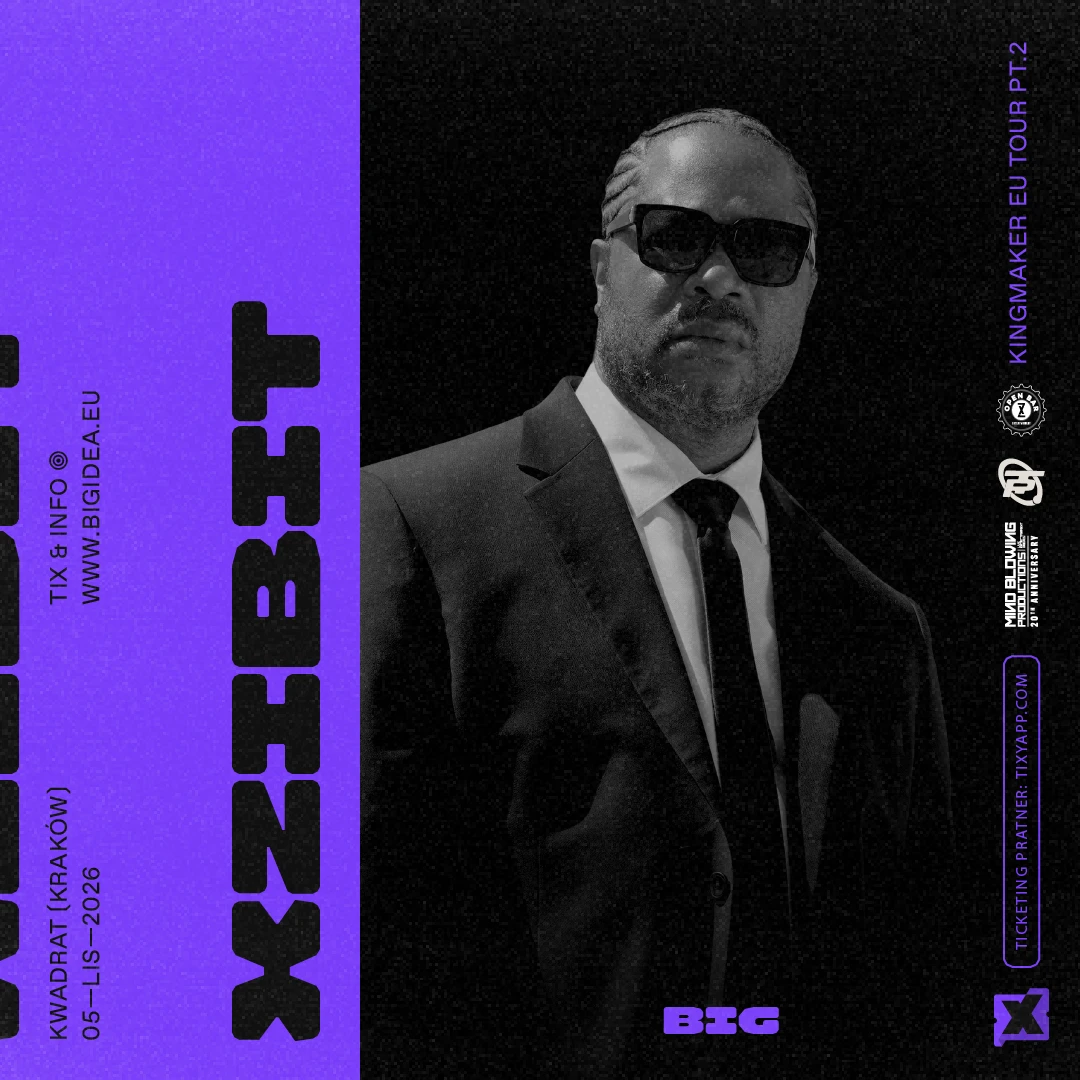
West Coast hip-hop icon Xzibit comes to Klub Kwadrat in Krakow. Doors 20:00, show 21:00. Ticket zones: General admission / Front section / Fast entry.
Choose a concert, open checkout and see ticket zones, venue type, seat categories and 30-minute hold details before payment.
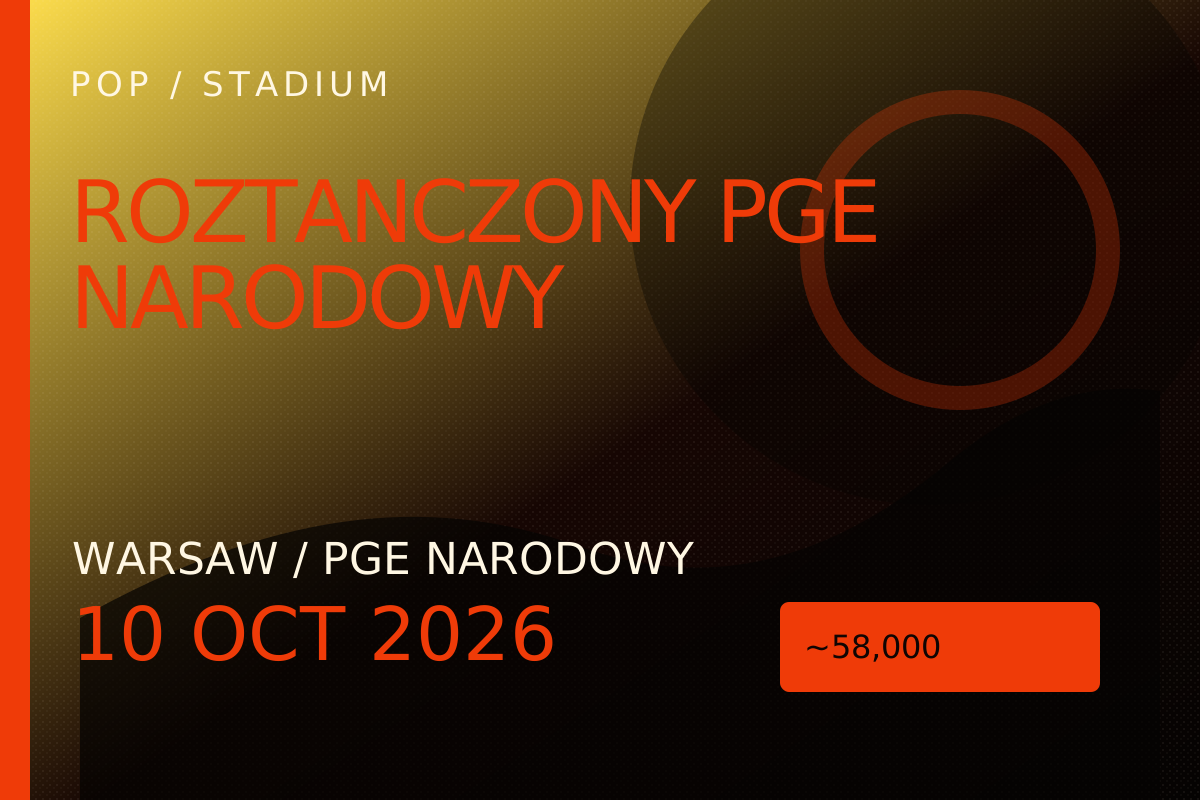

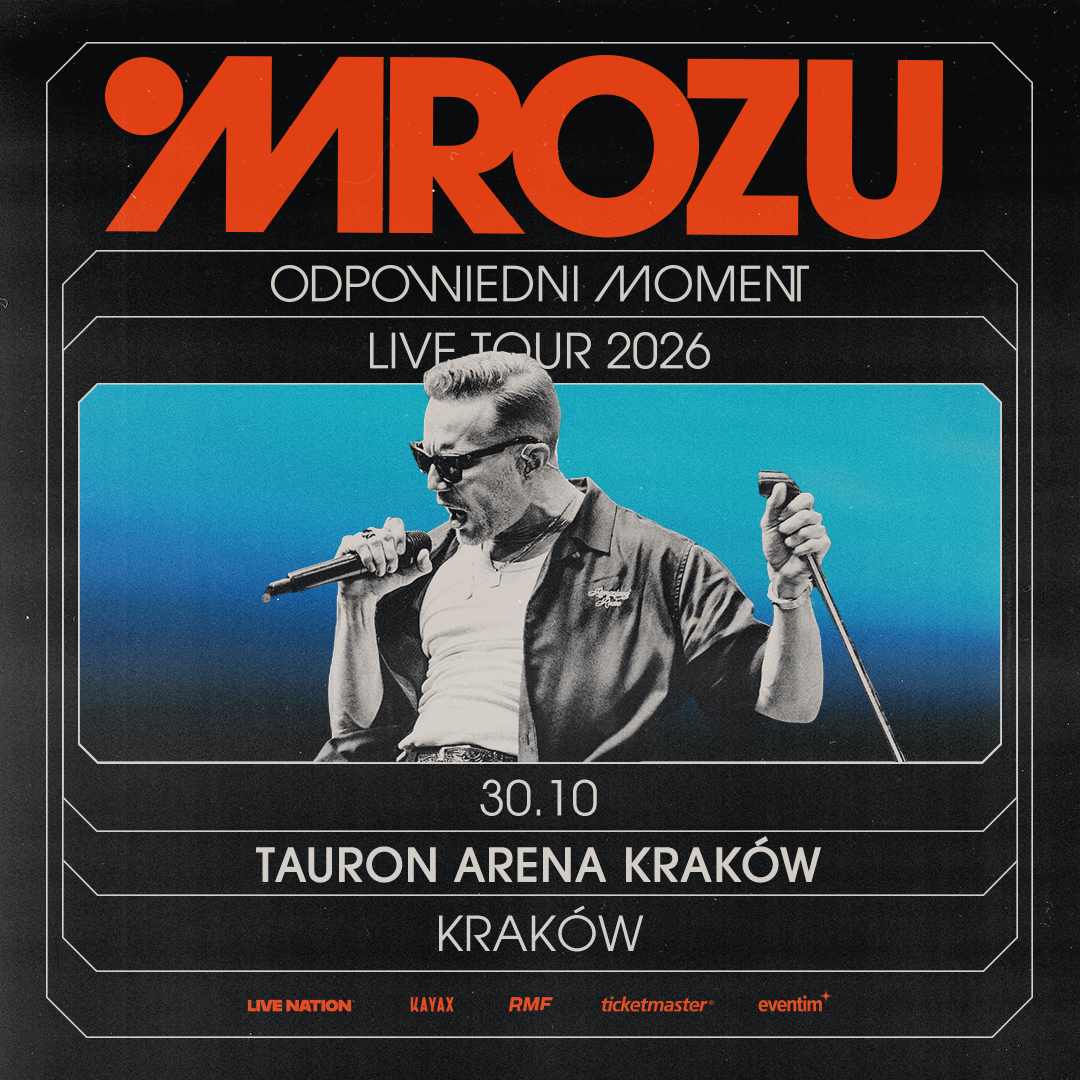





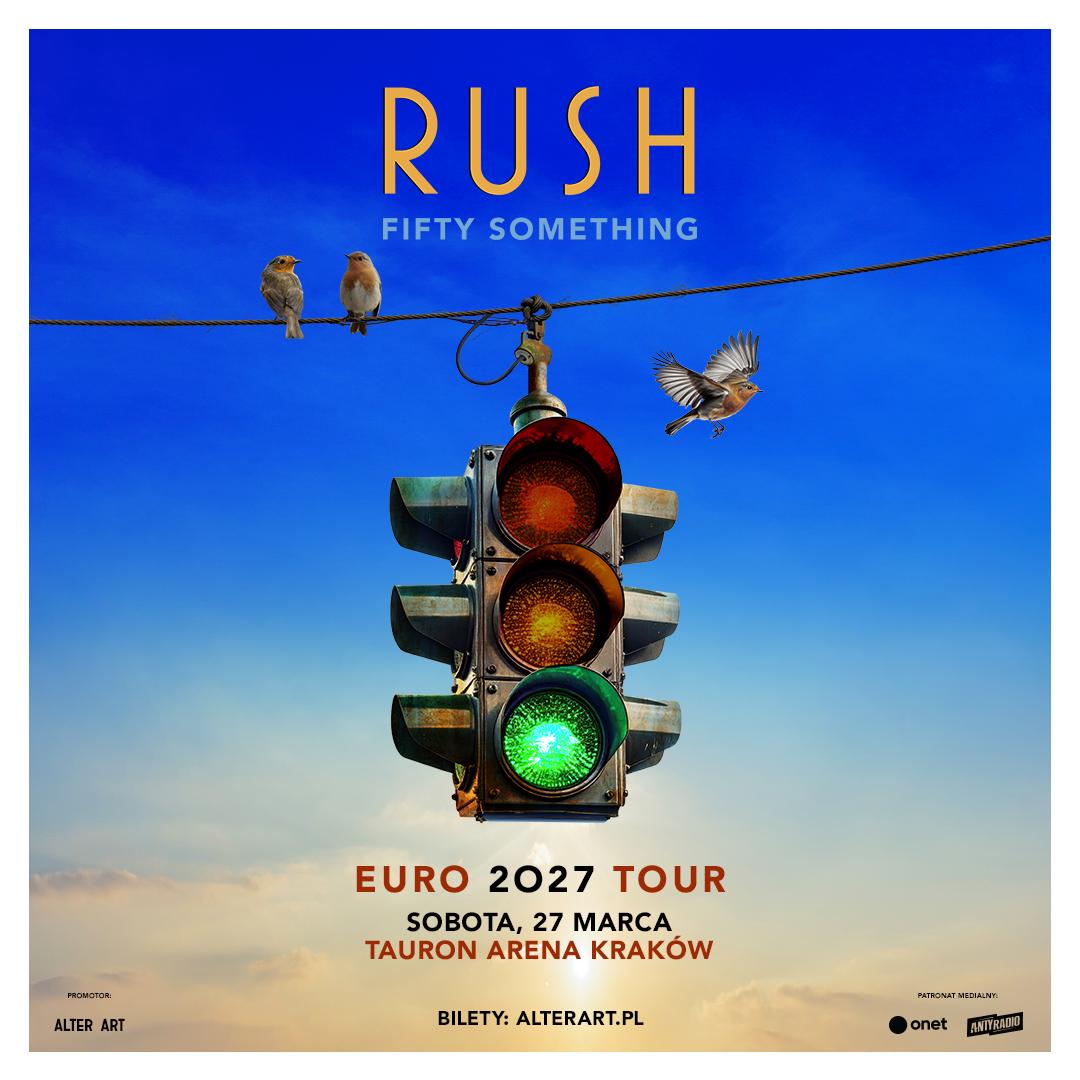

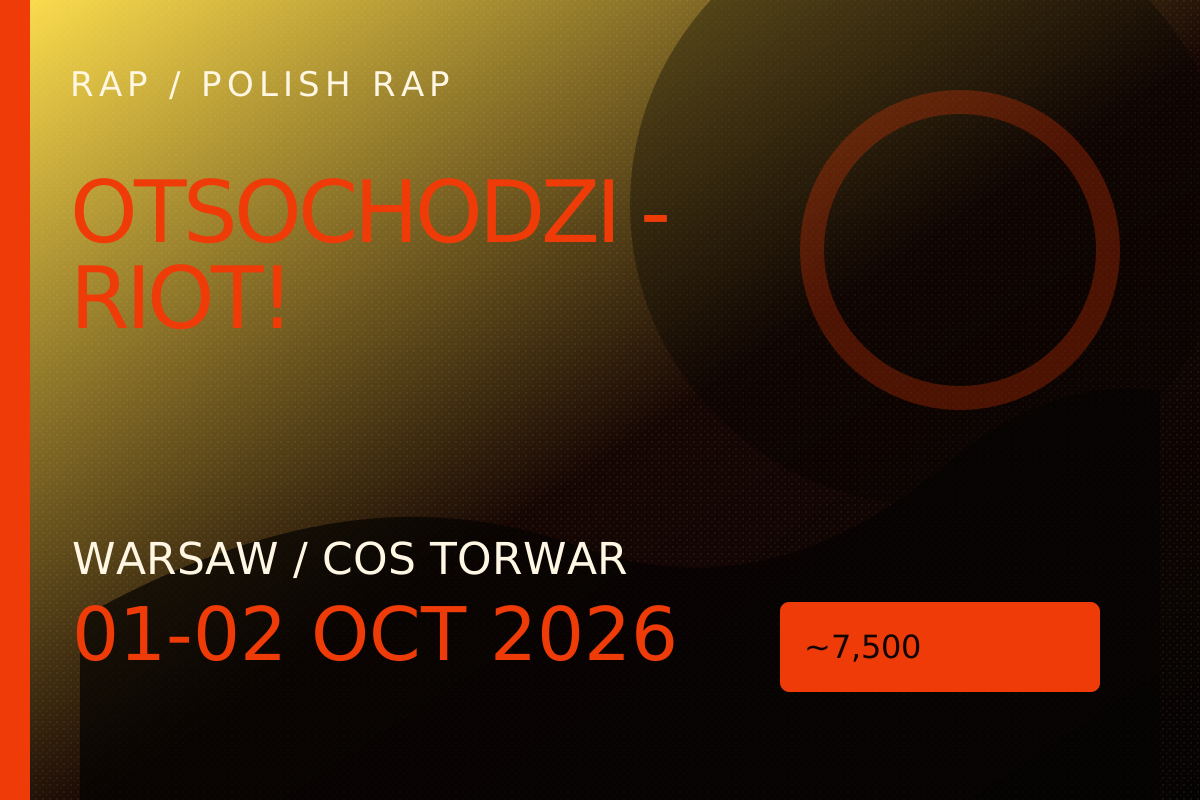
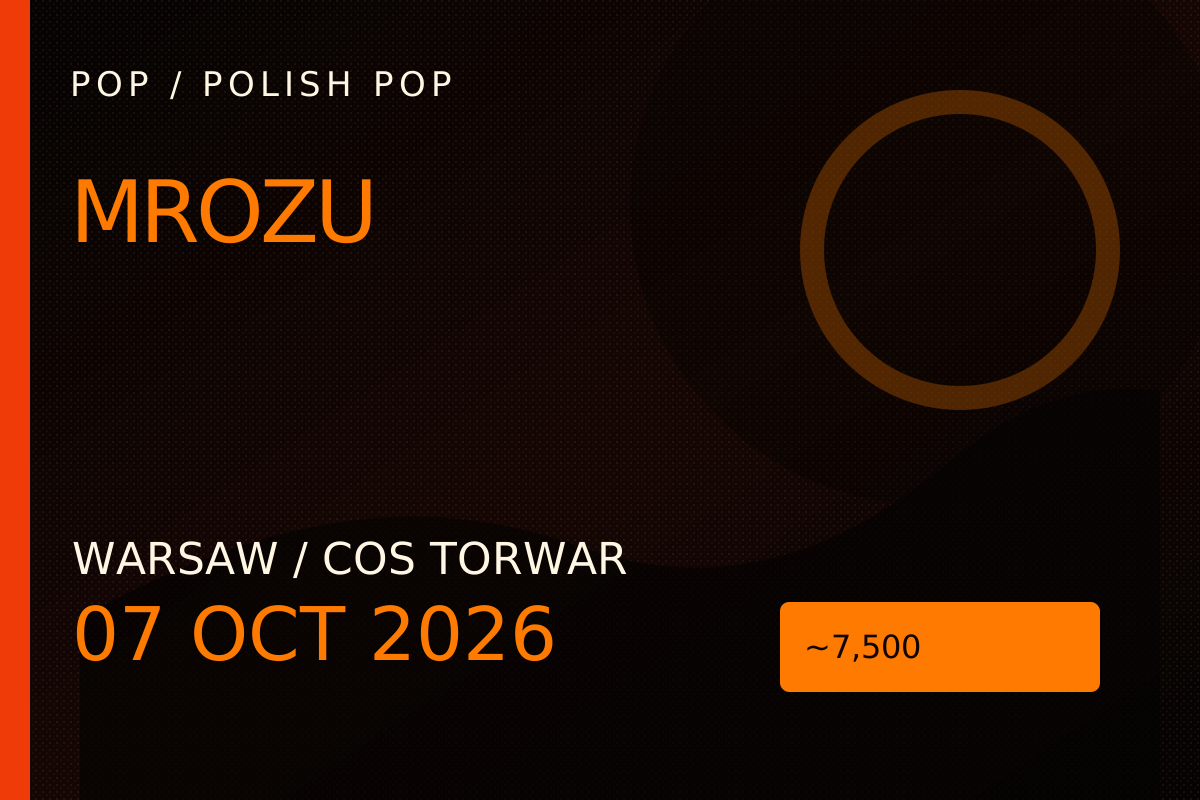
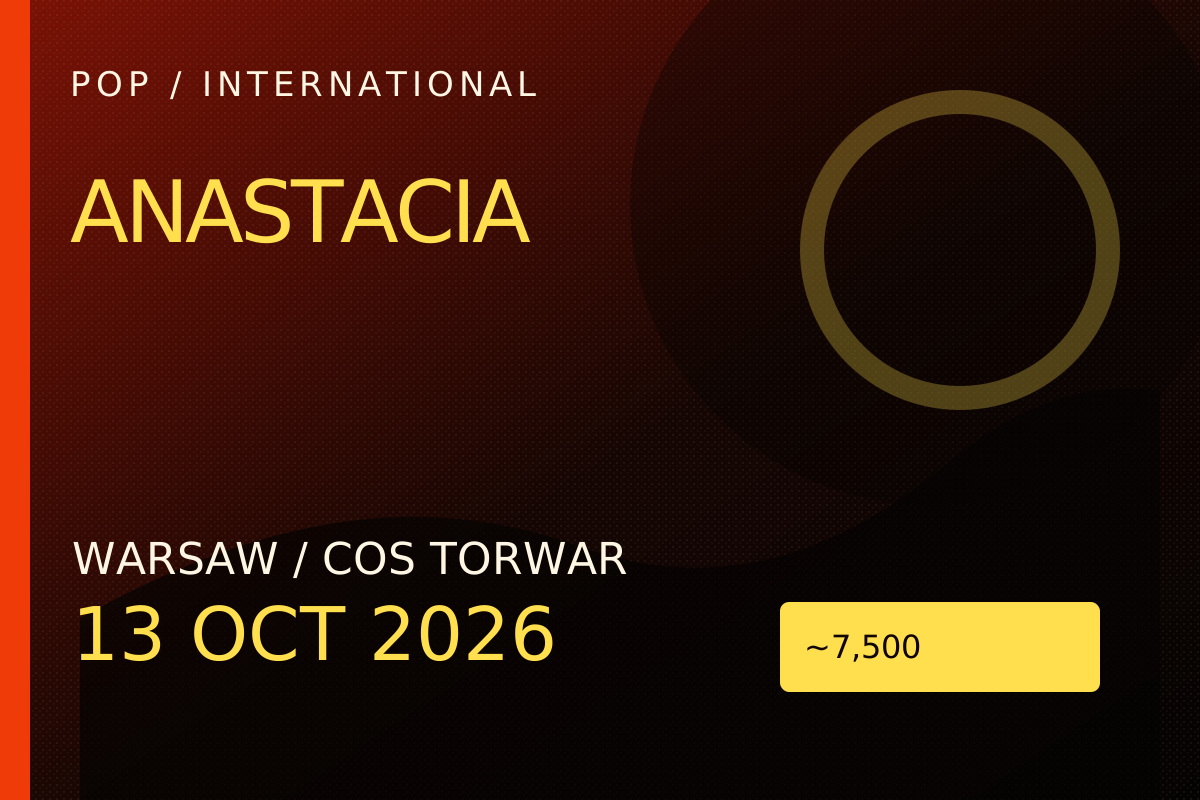
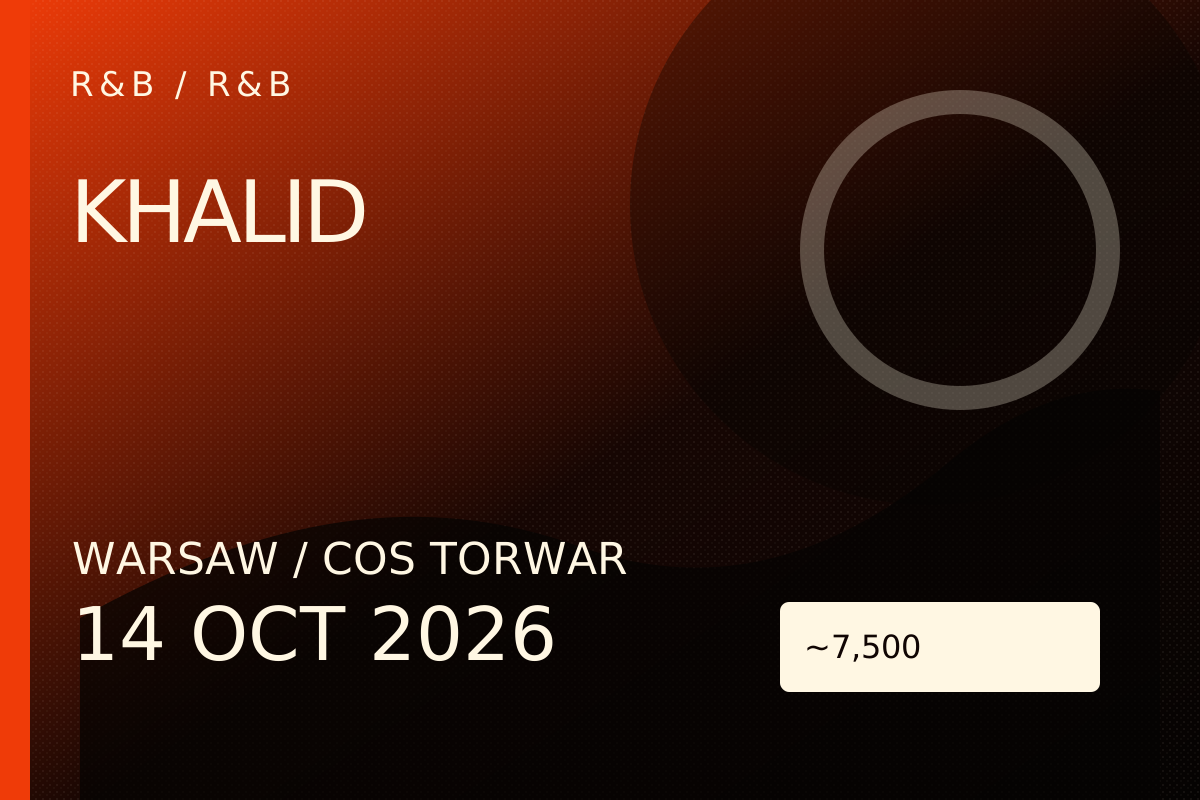
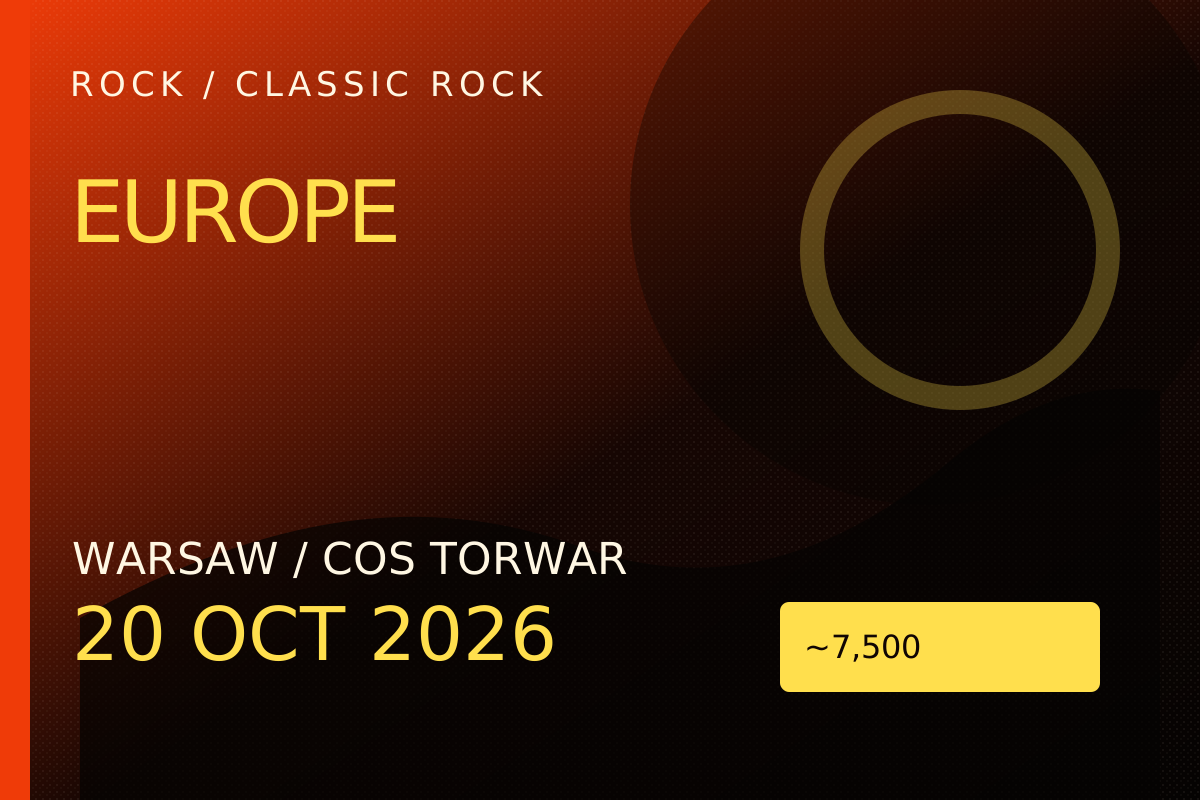
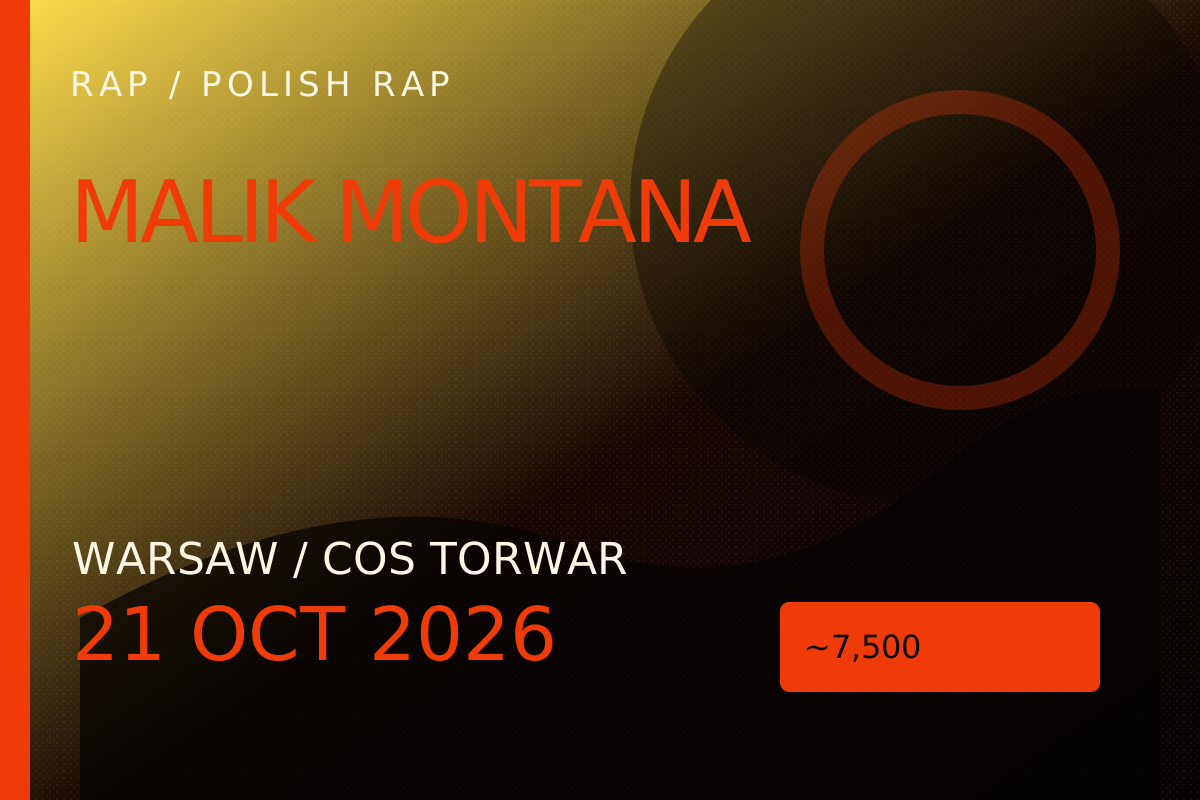
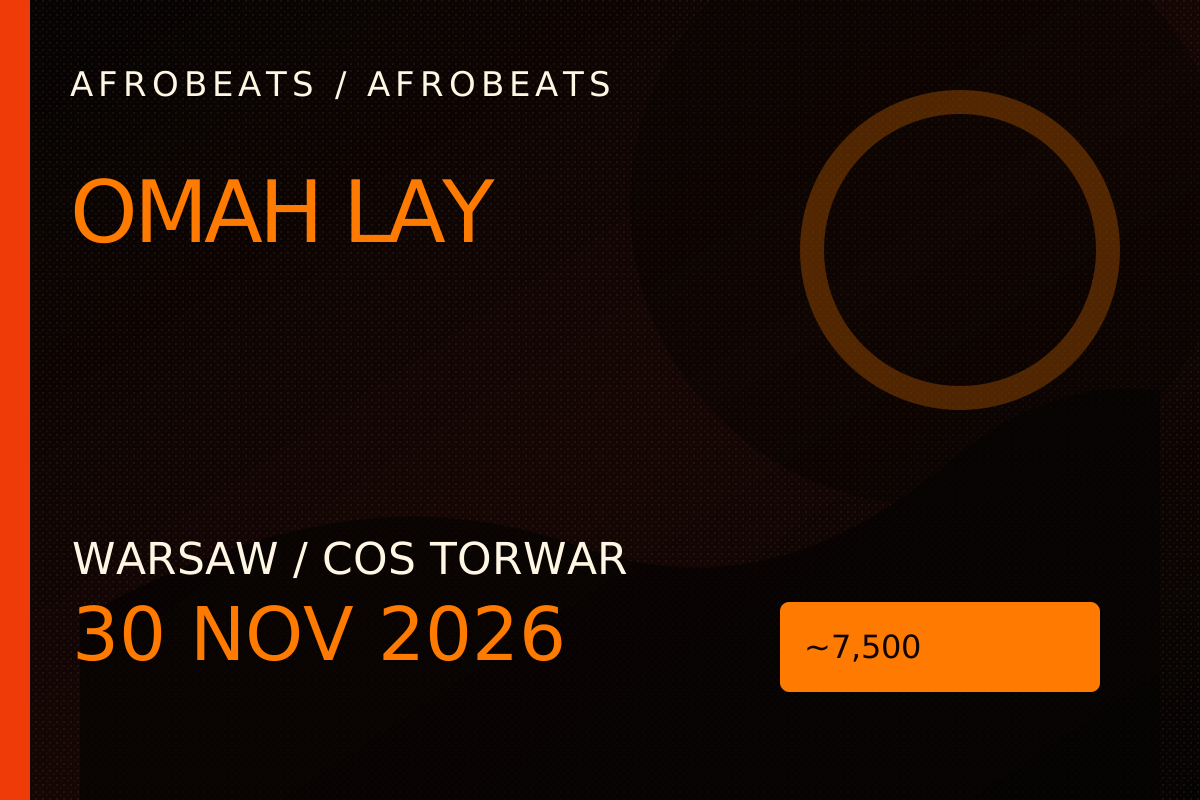
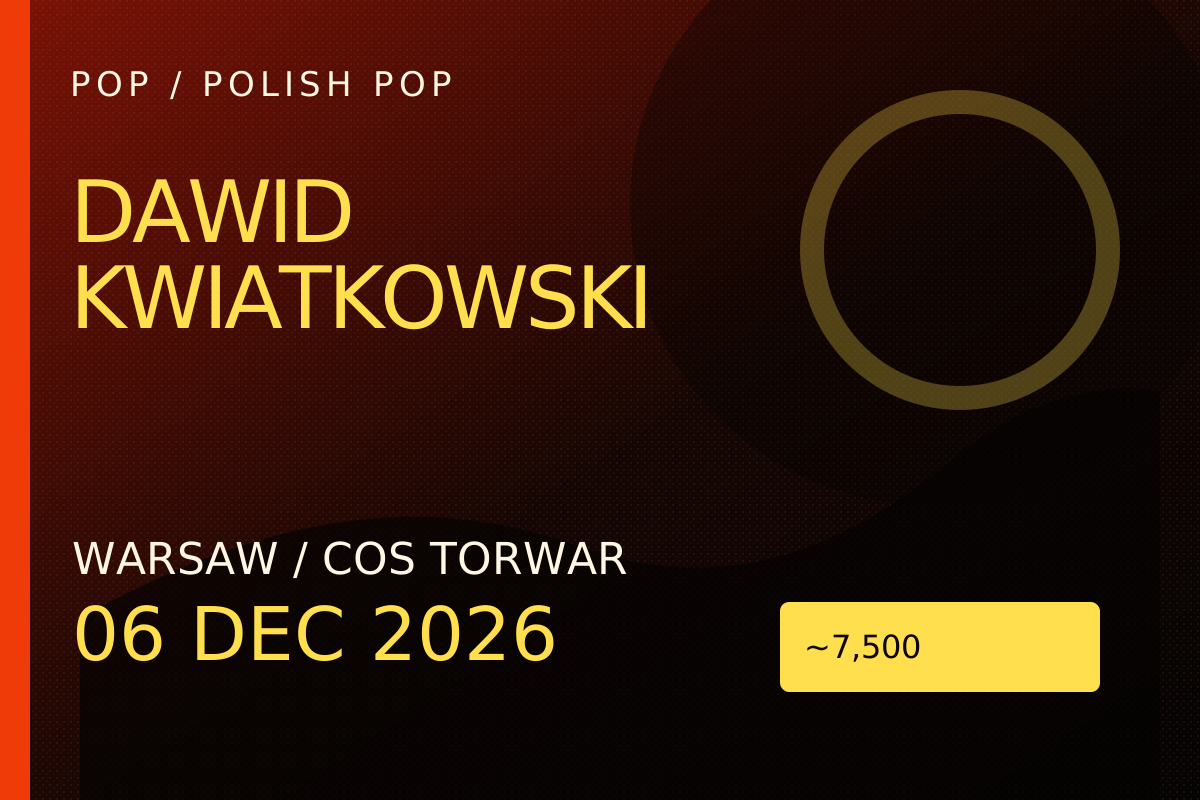
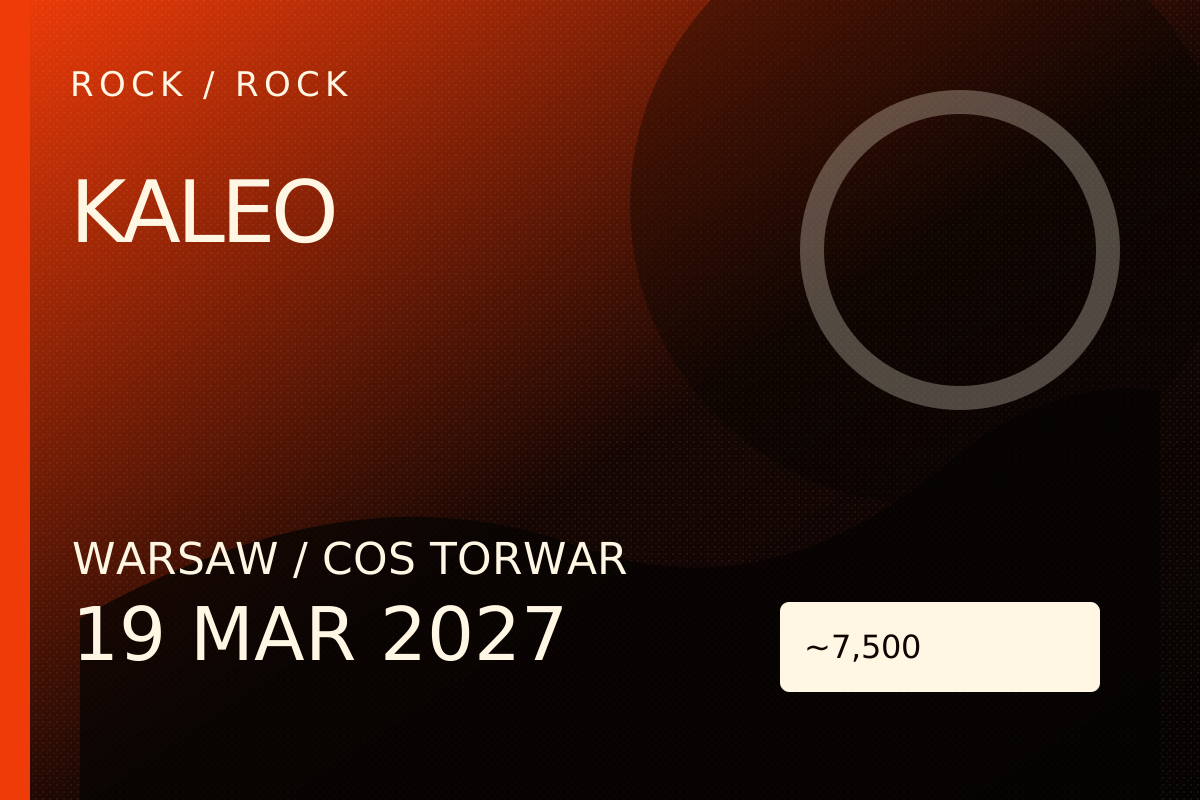





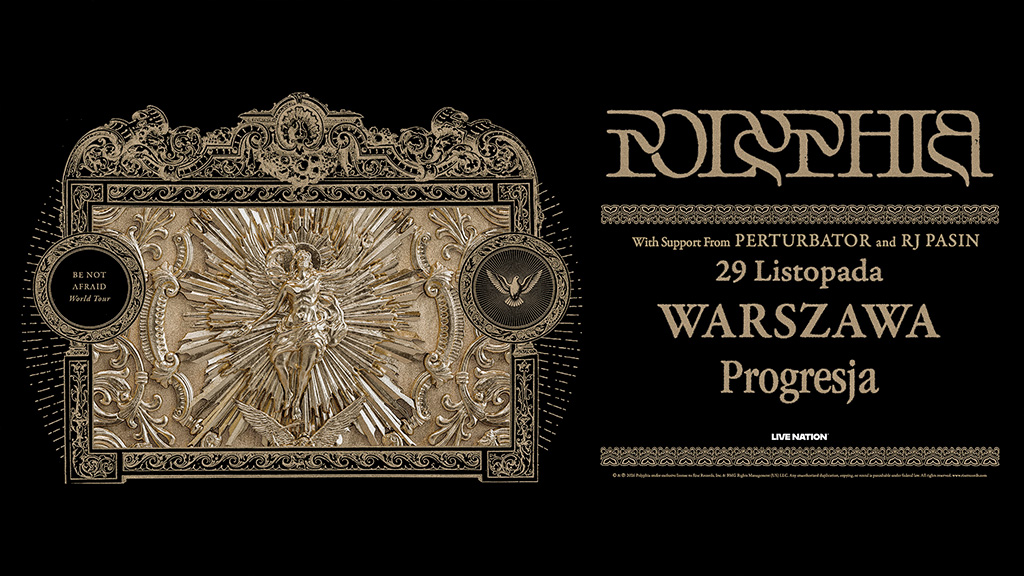
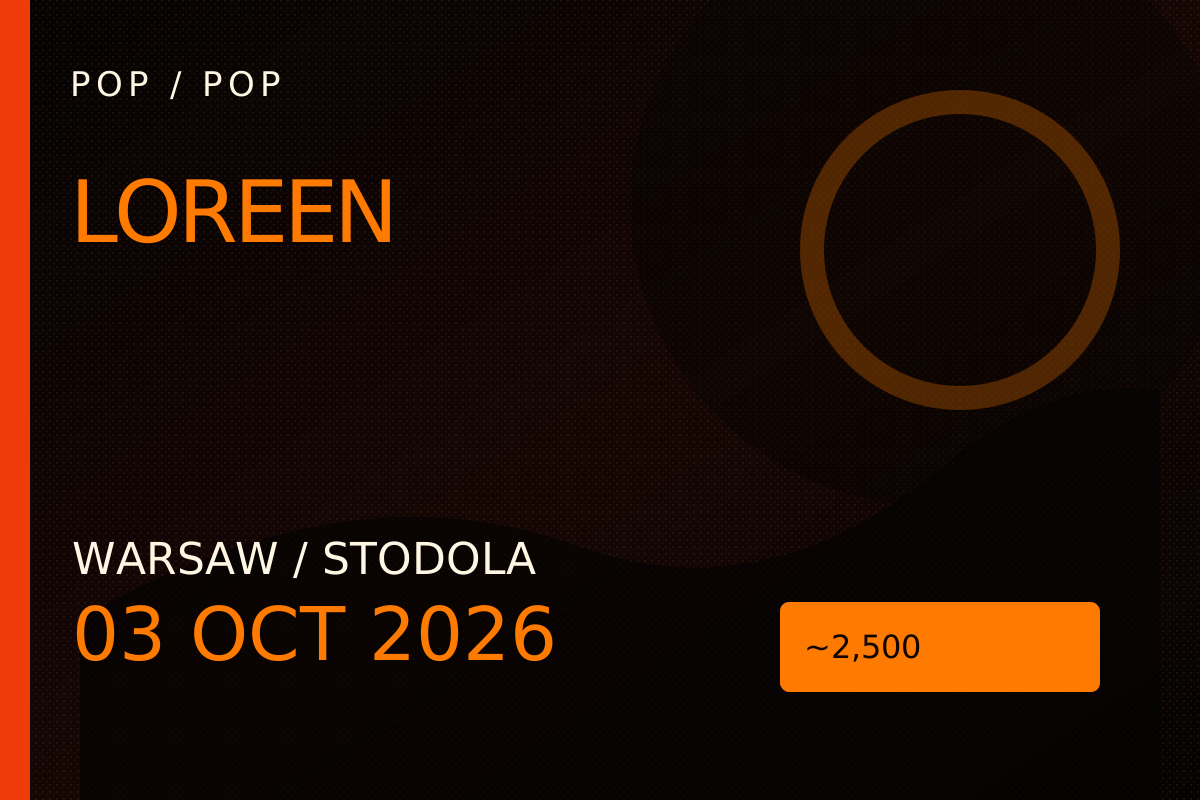


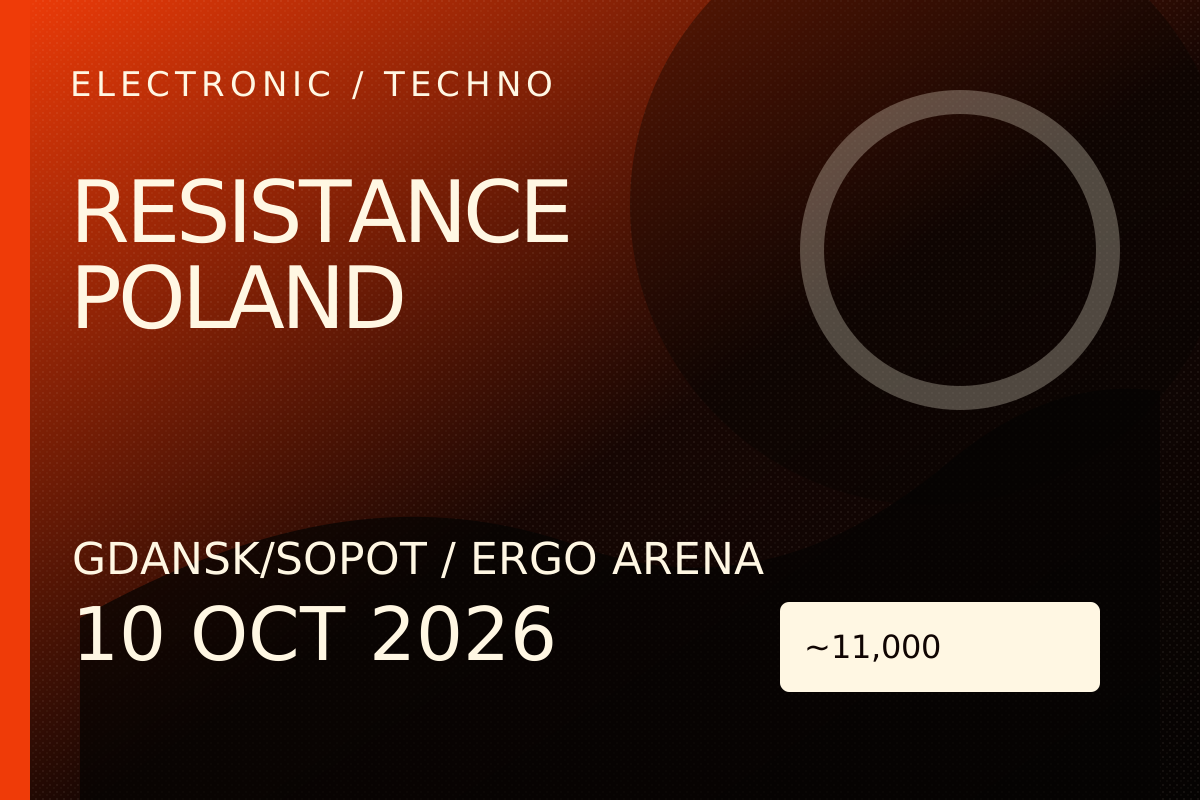
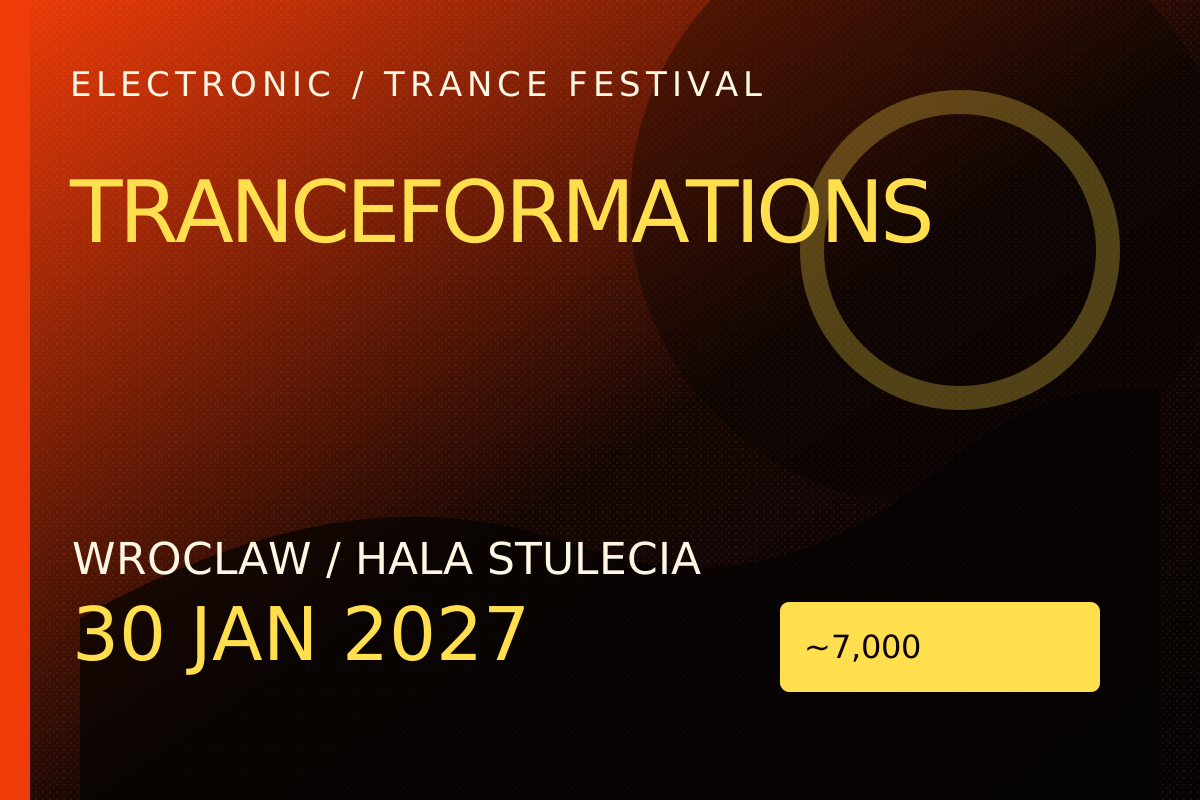
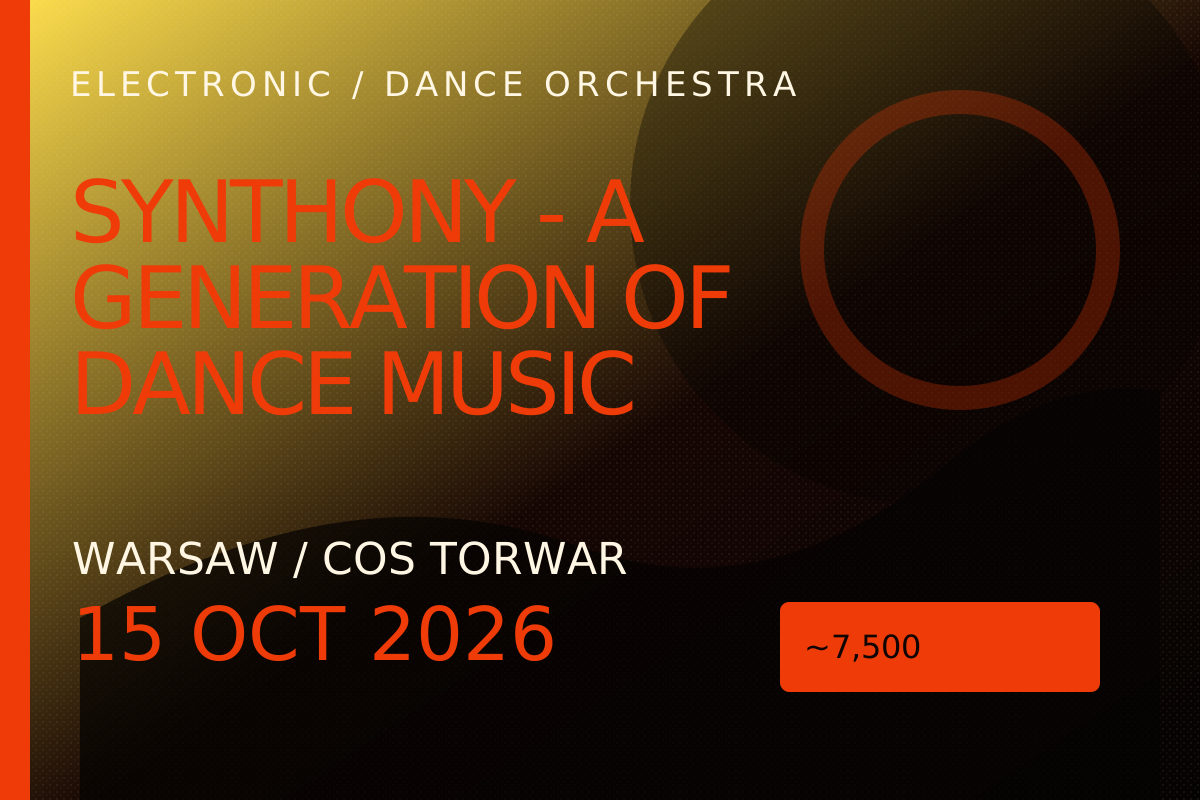
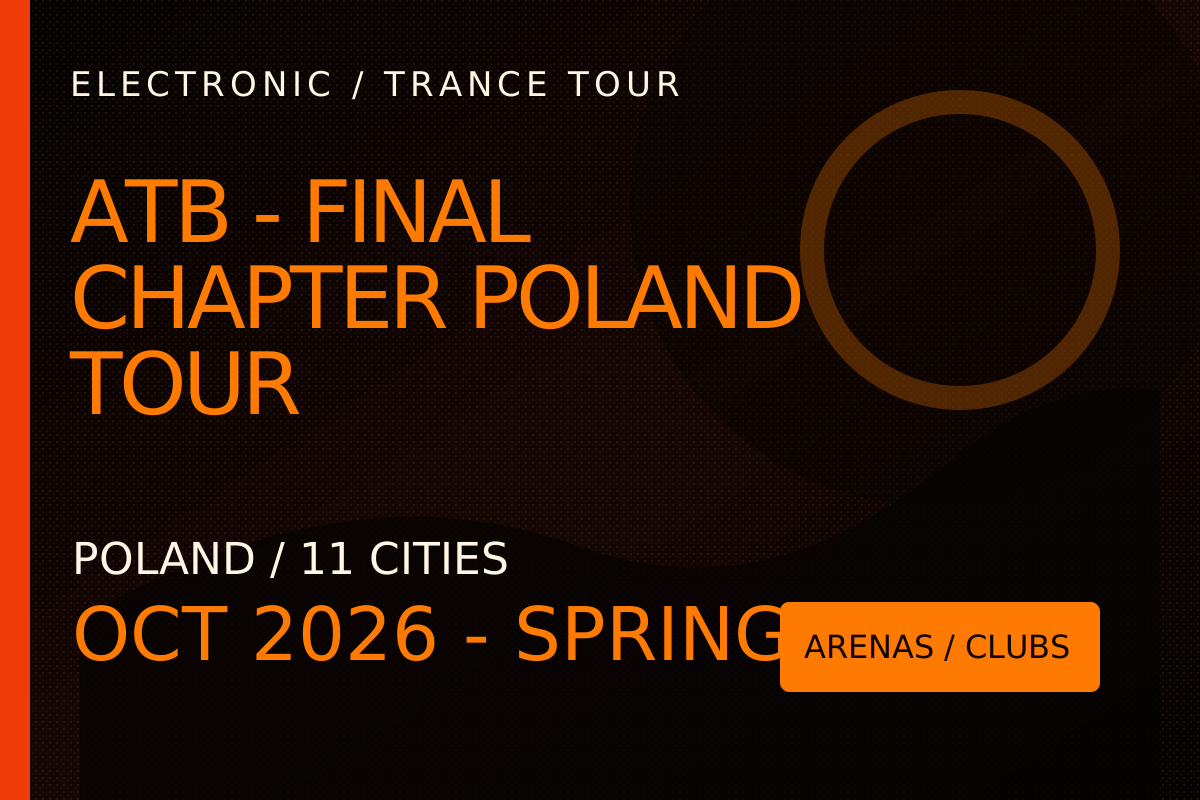
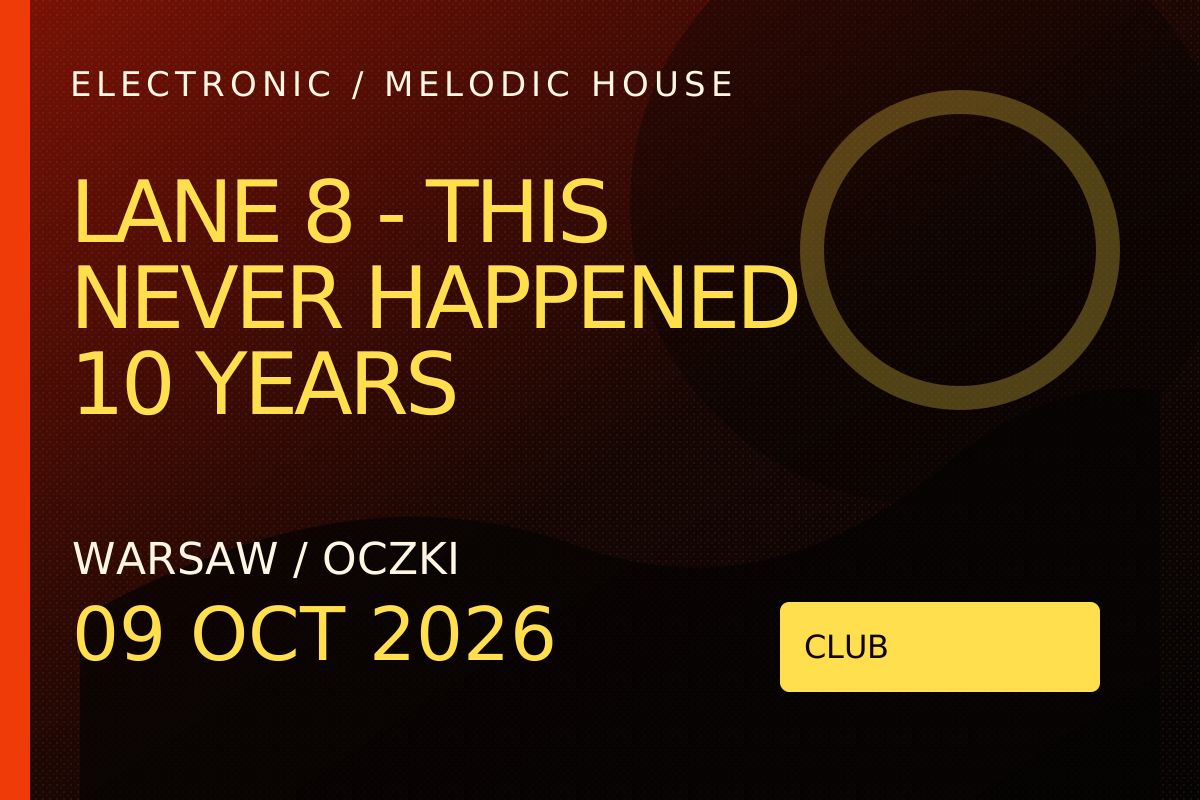
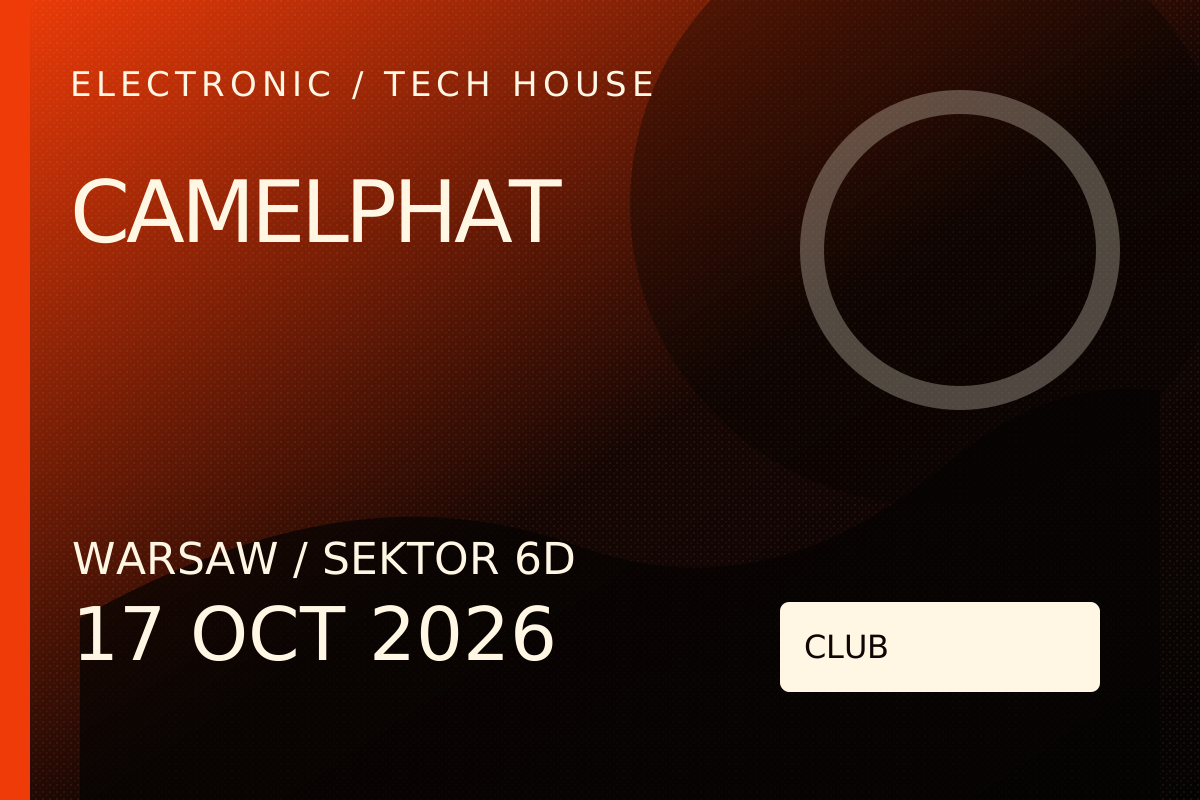
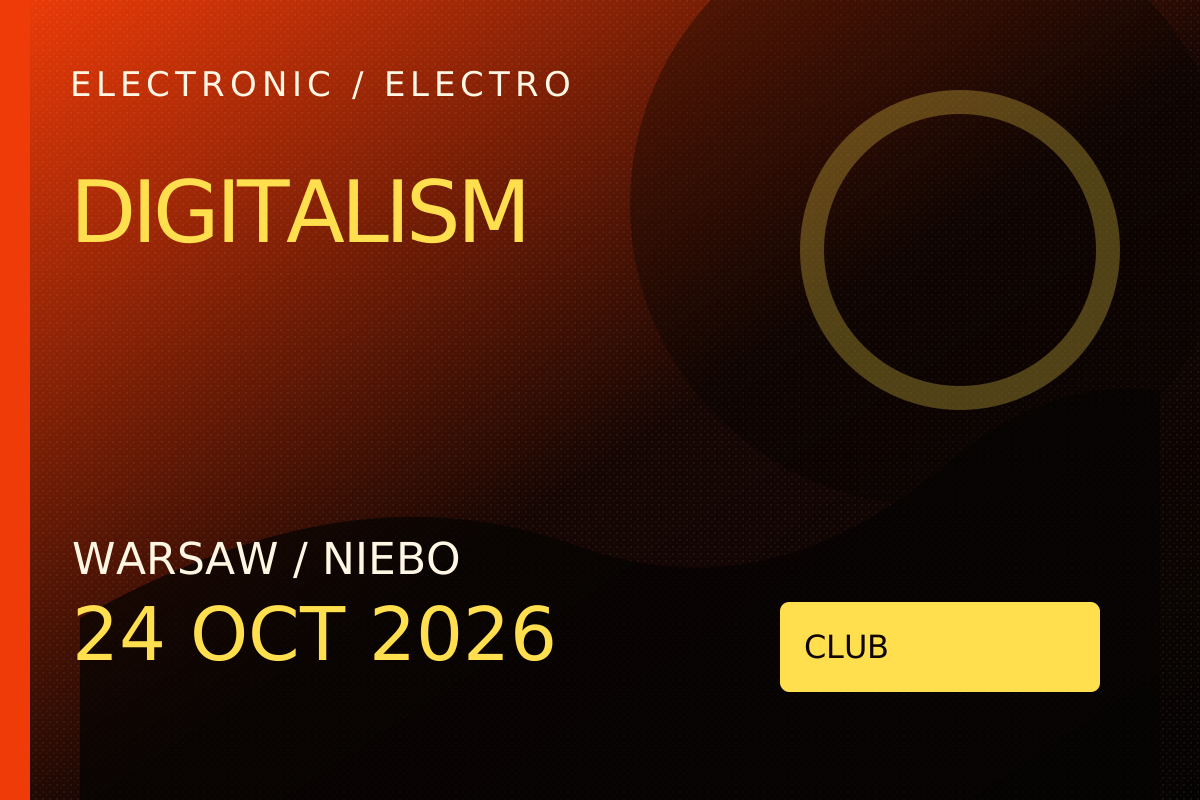
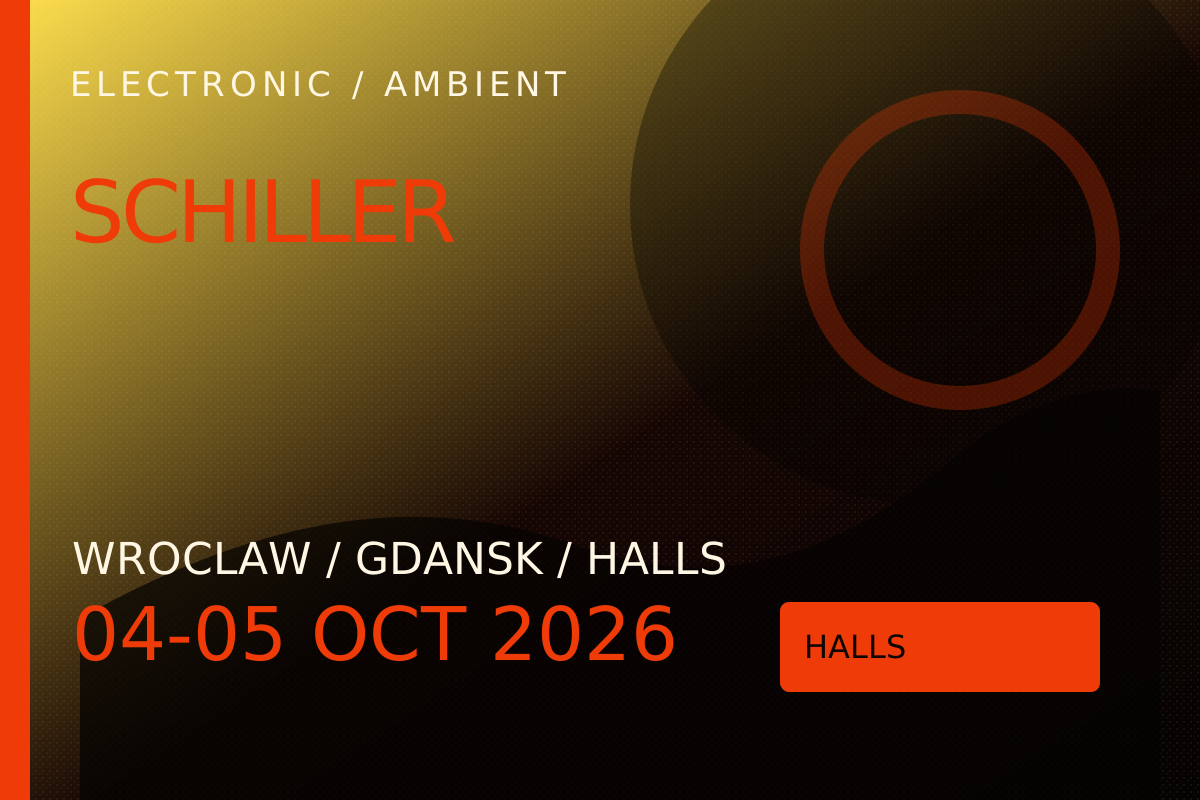
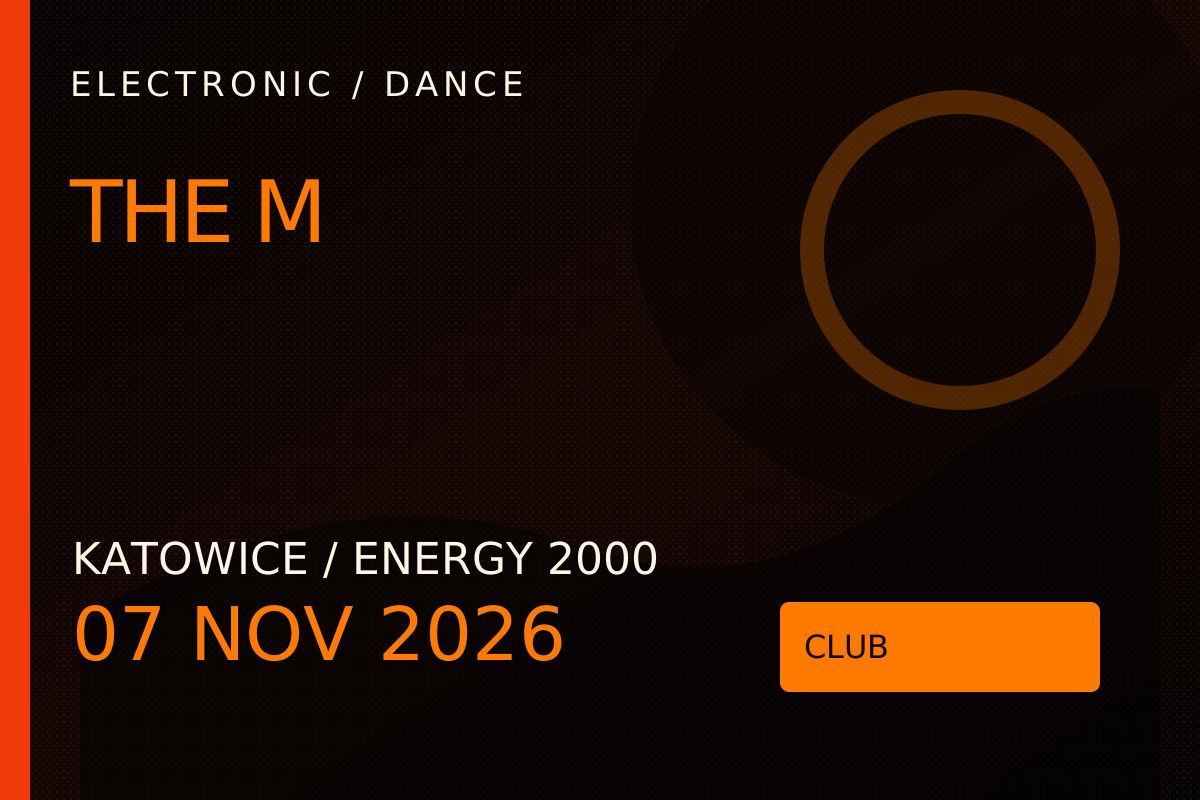
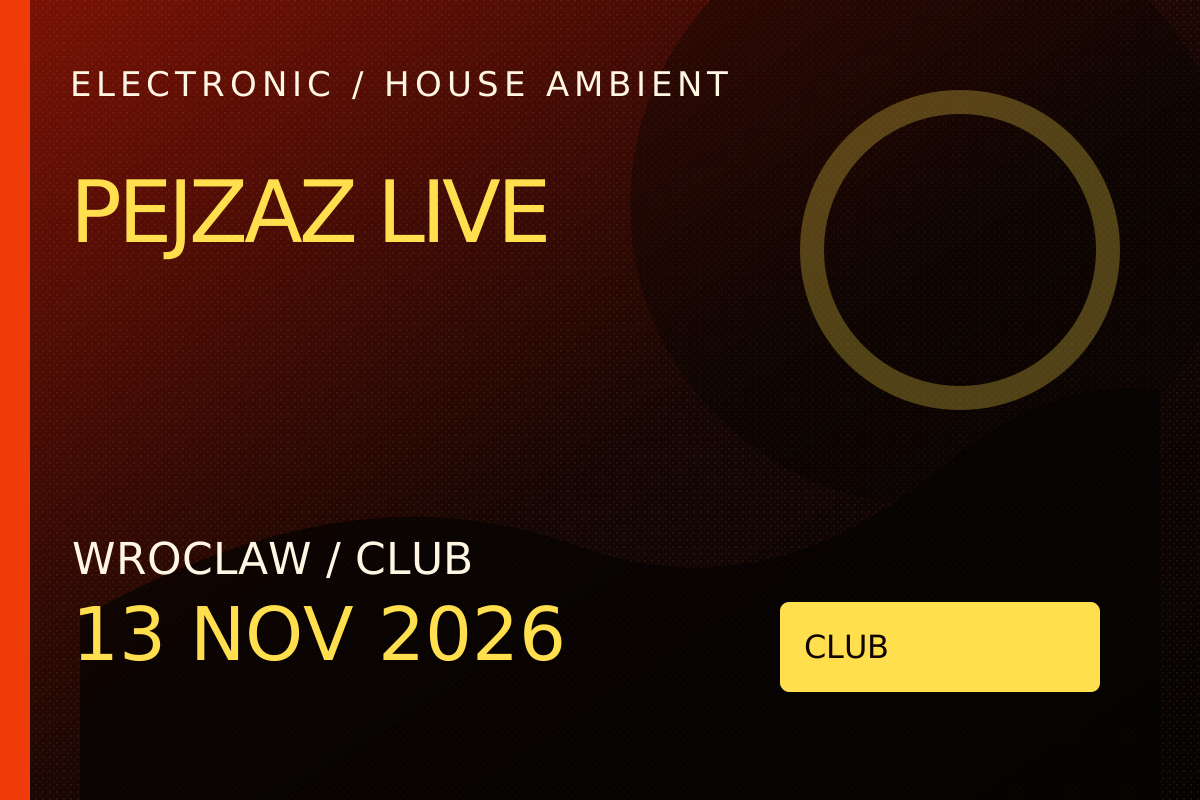
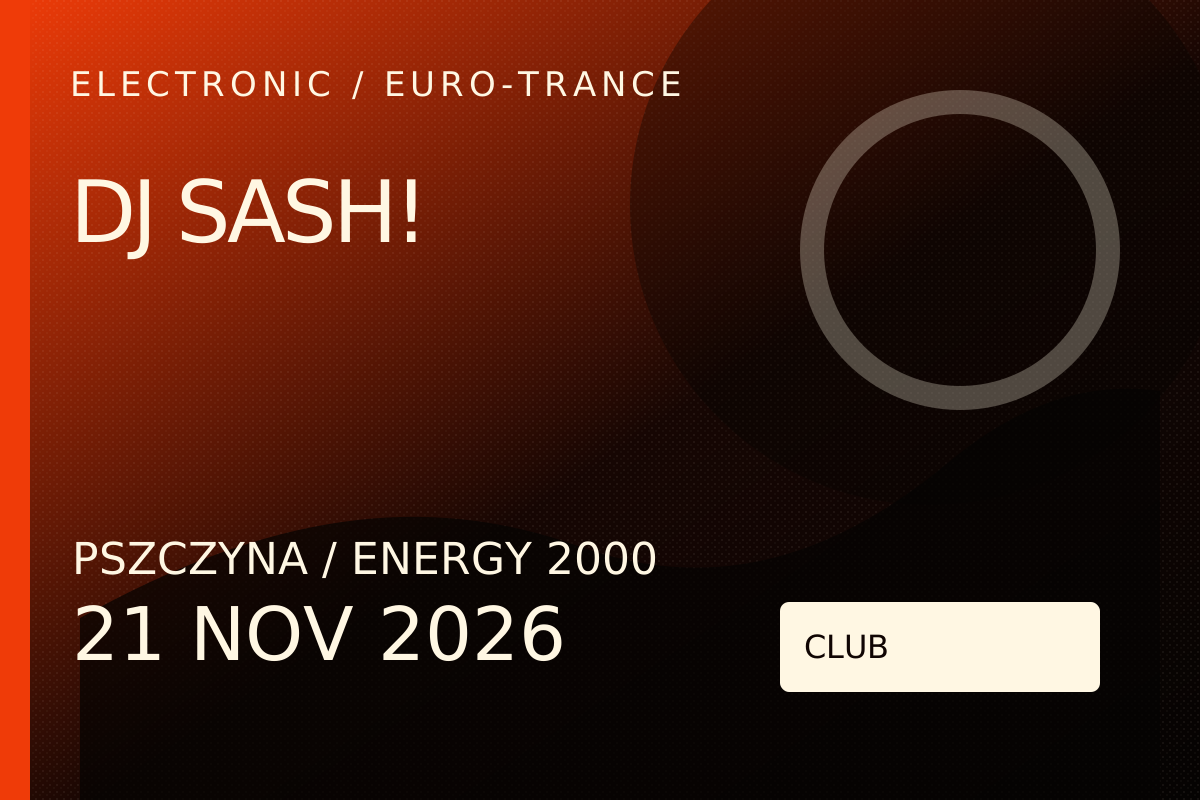

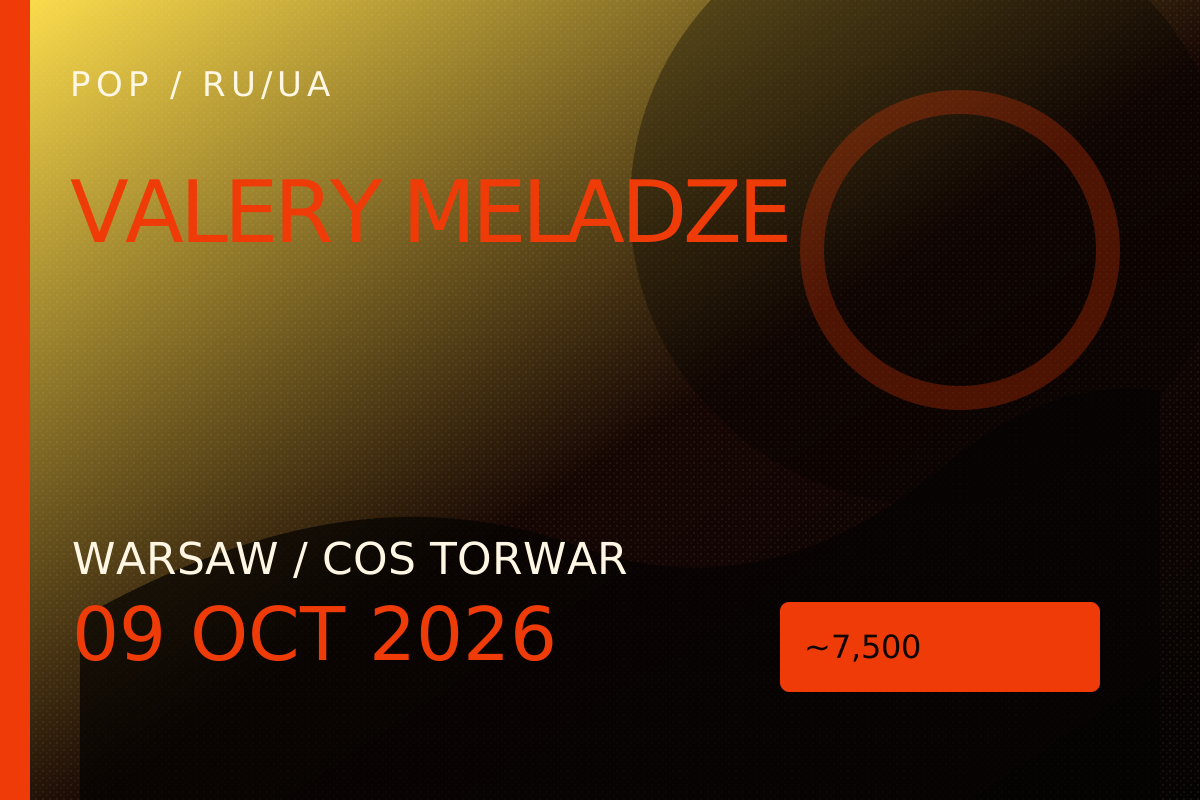
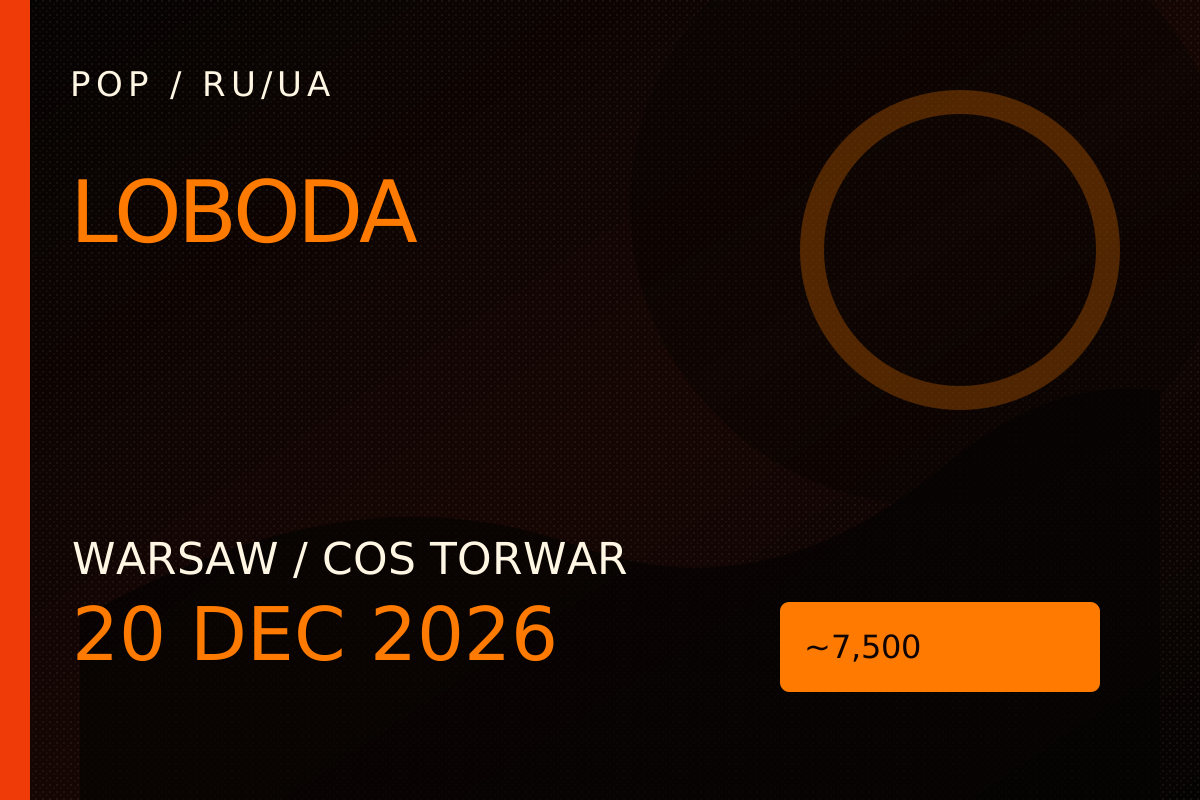
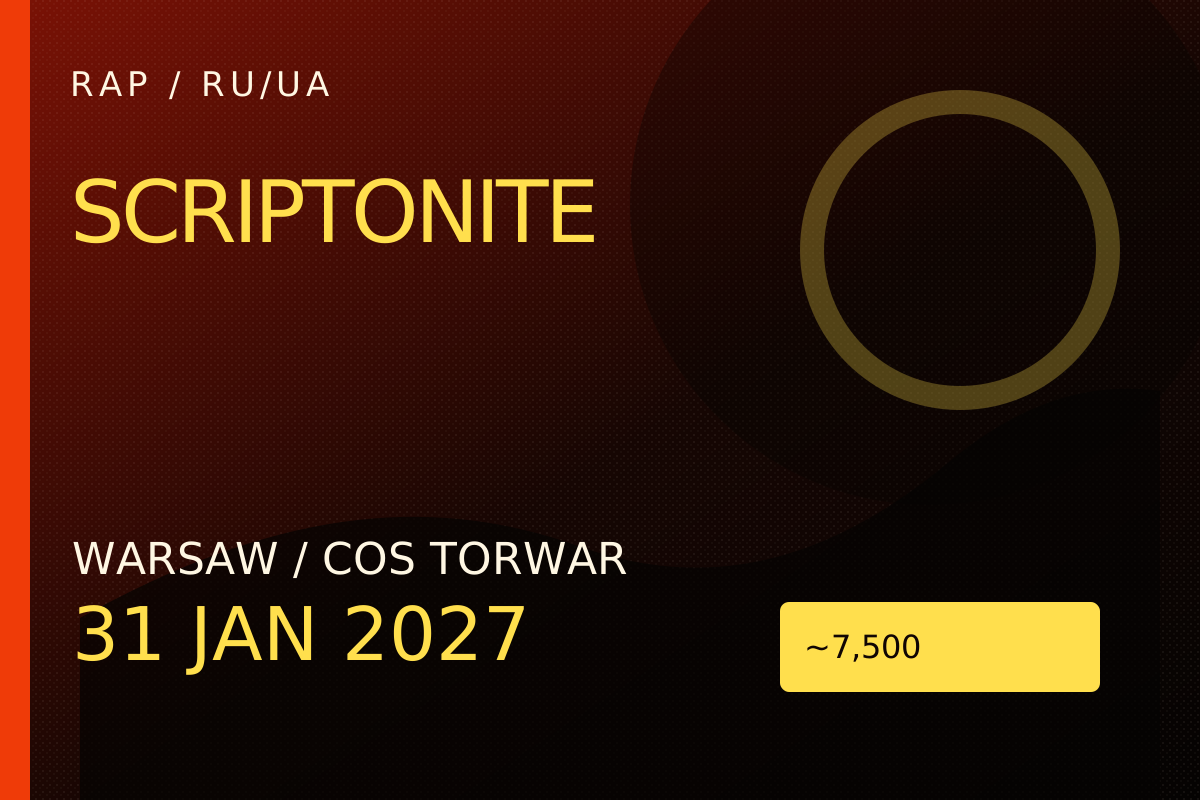
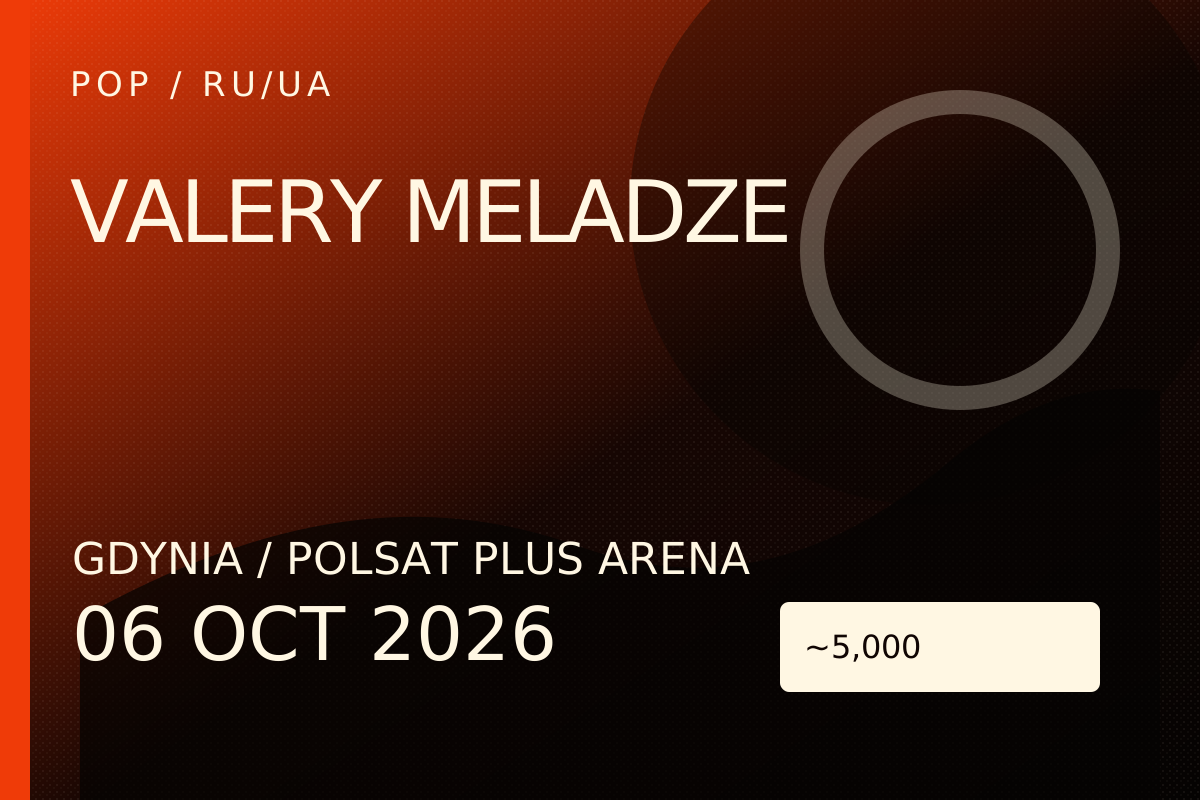
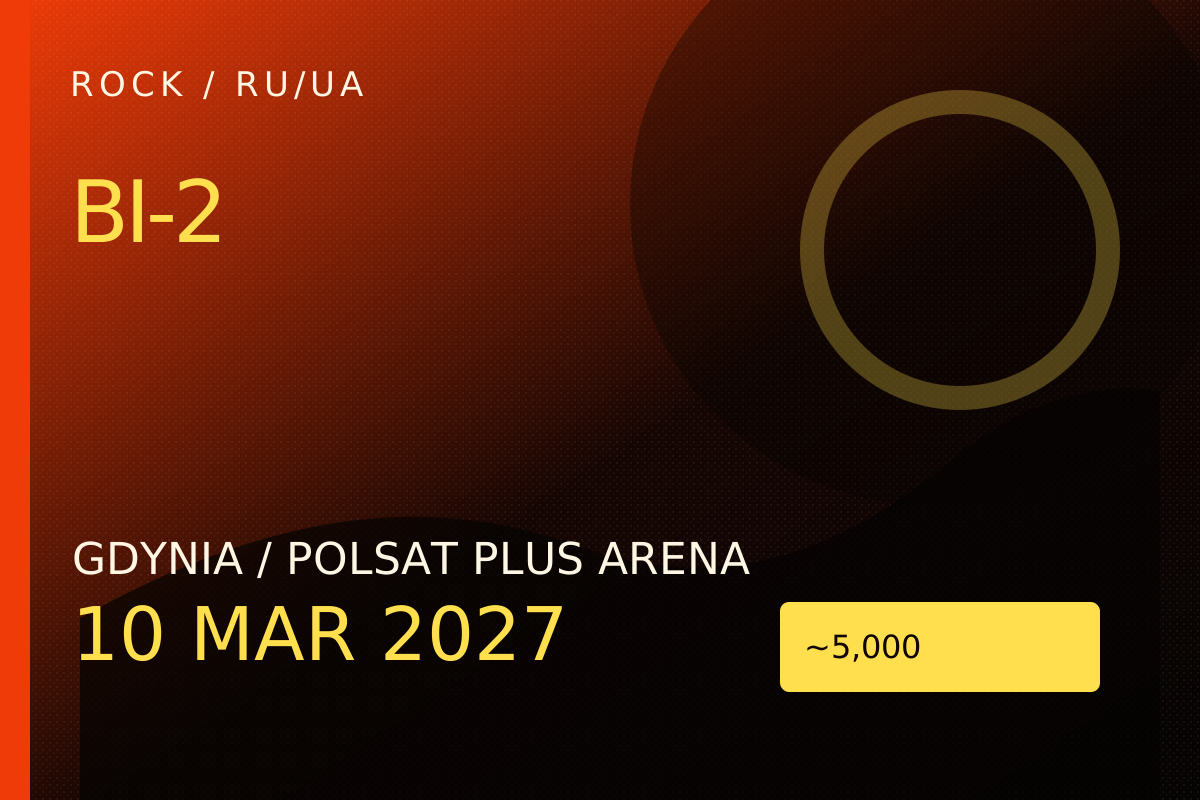
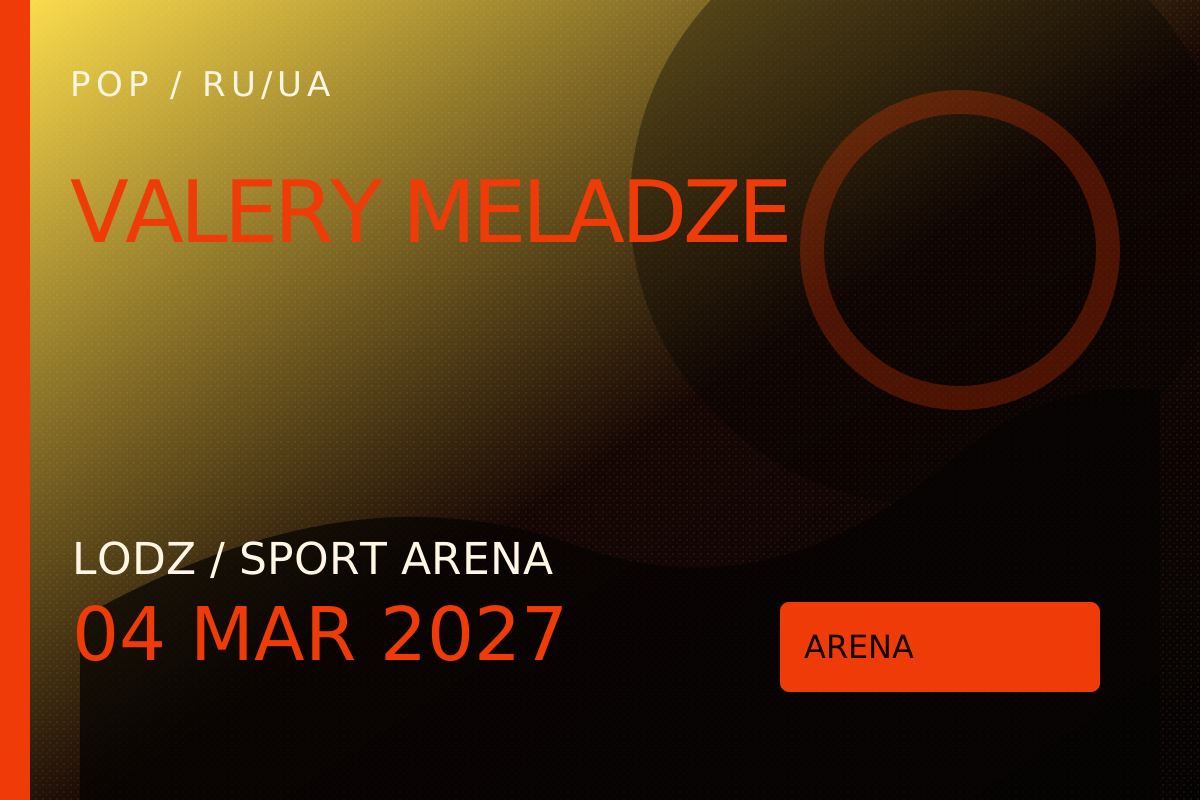
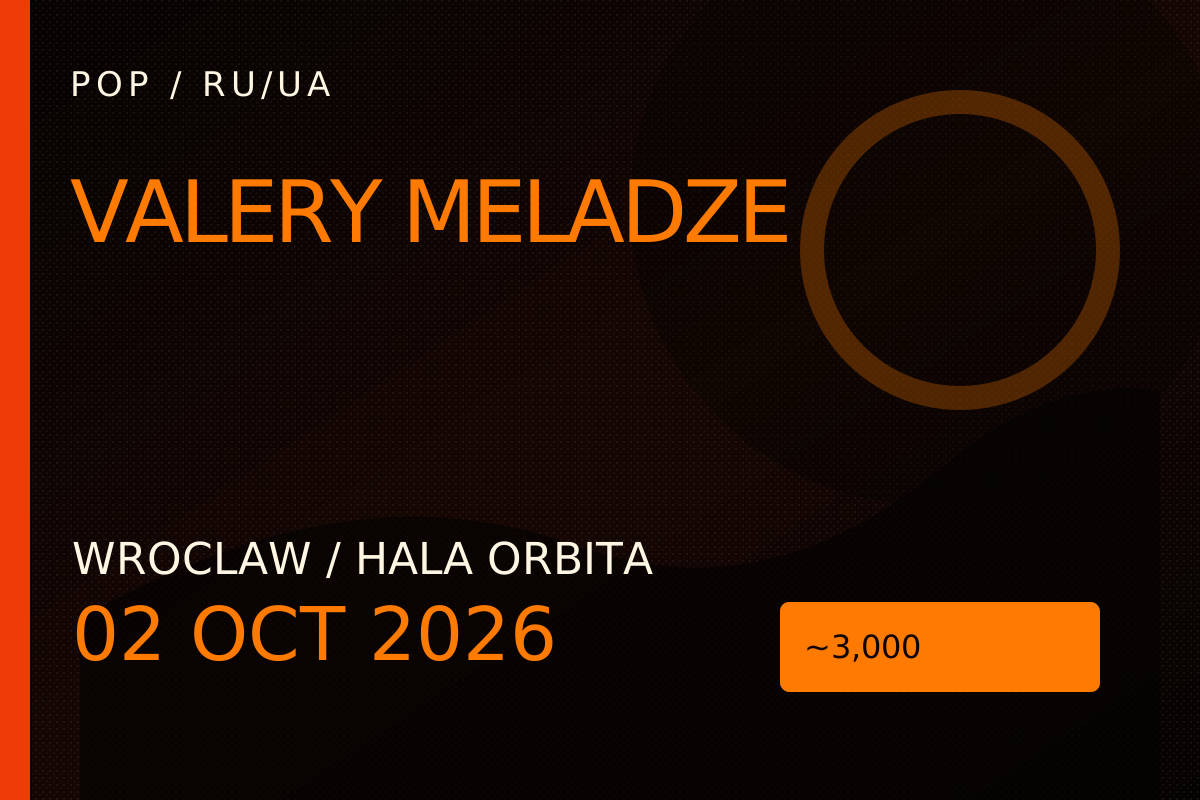
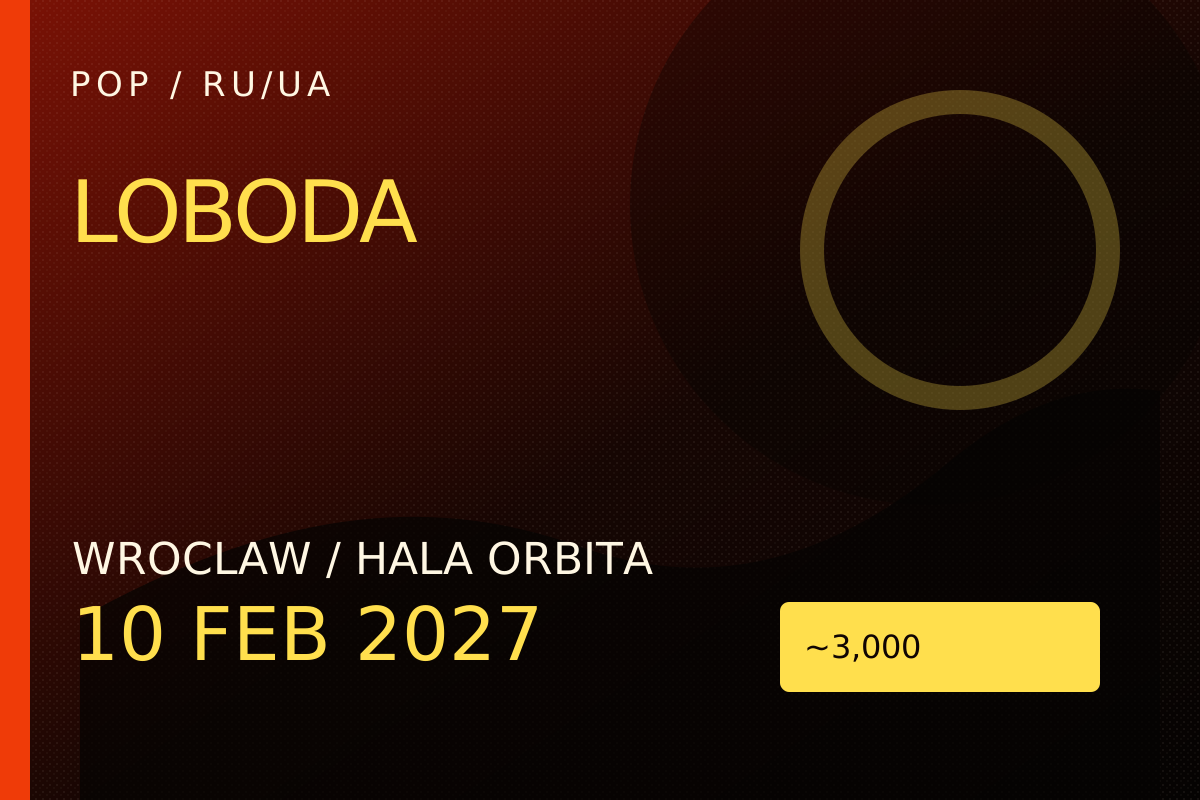
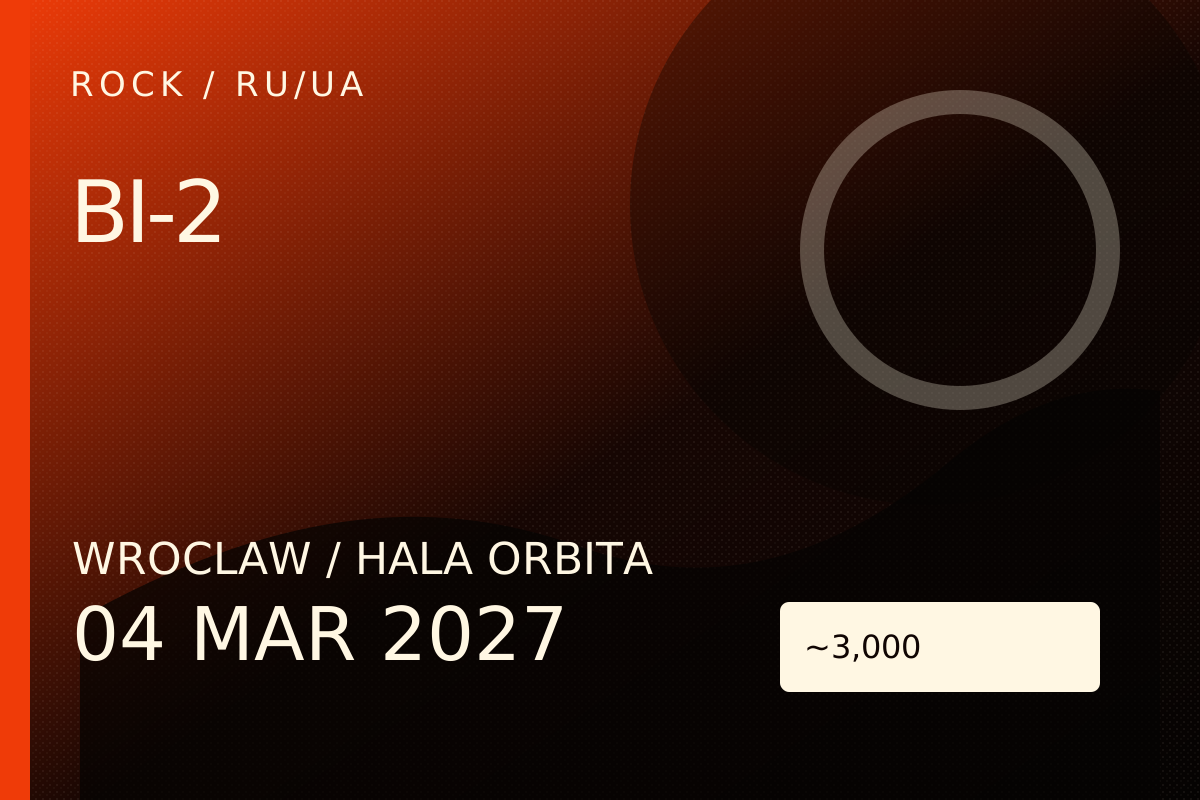
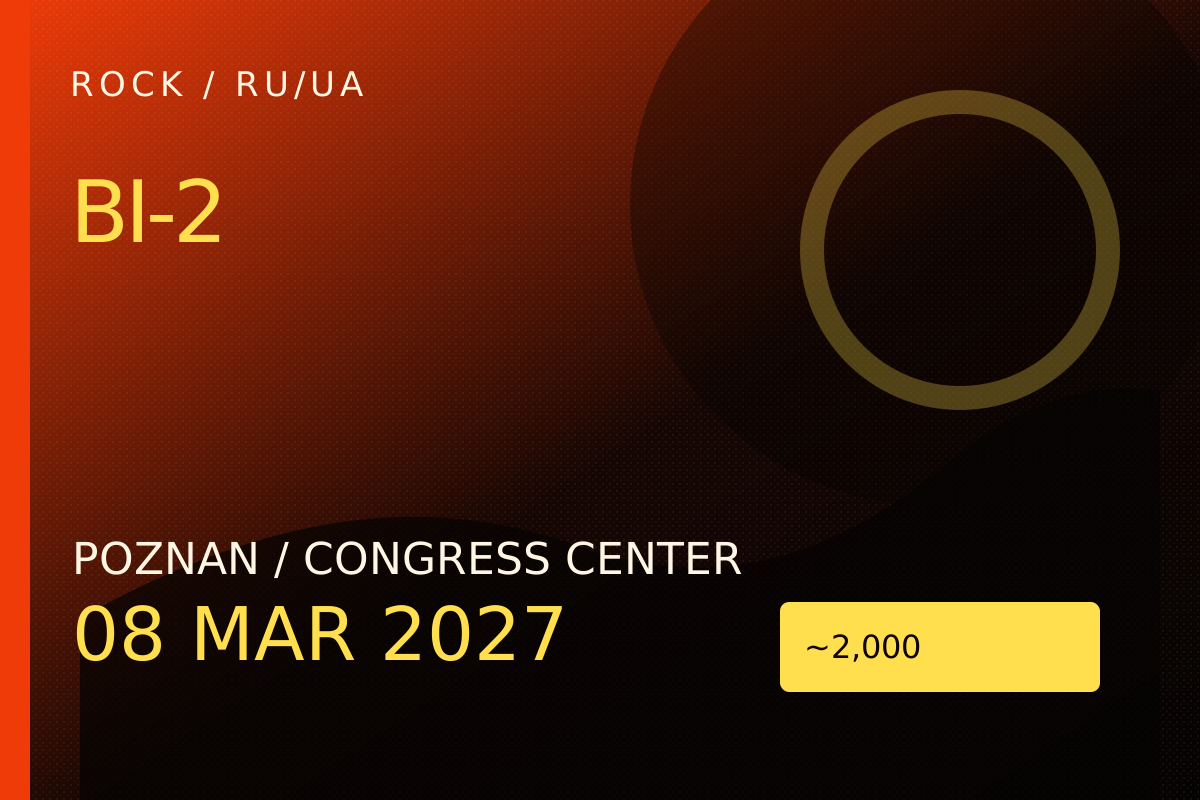
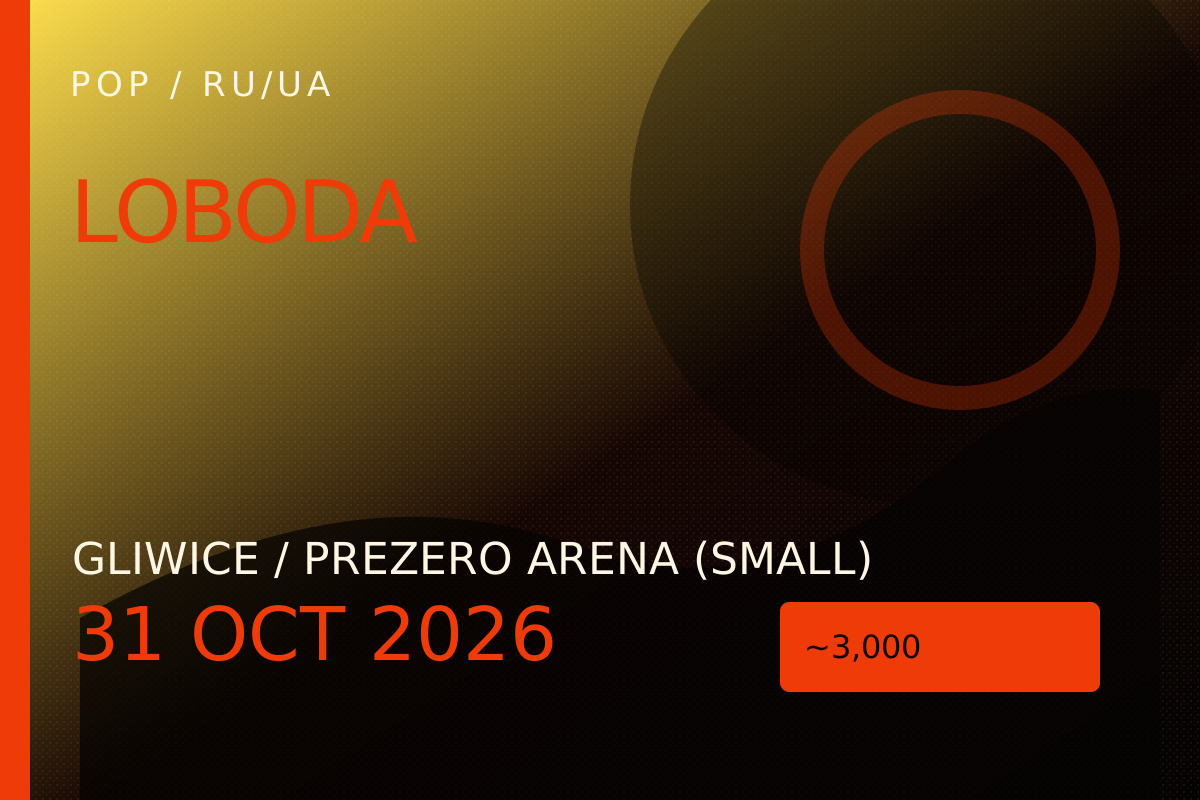
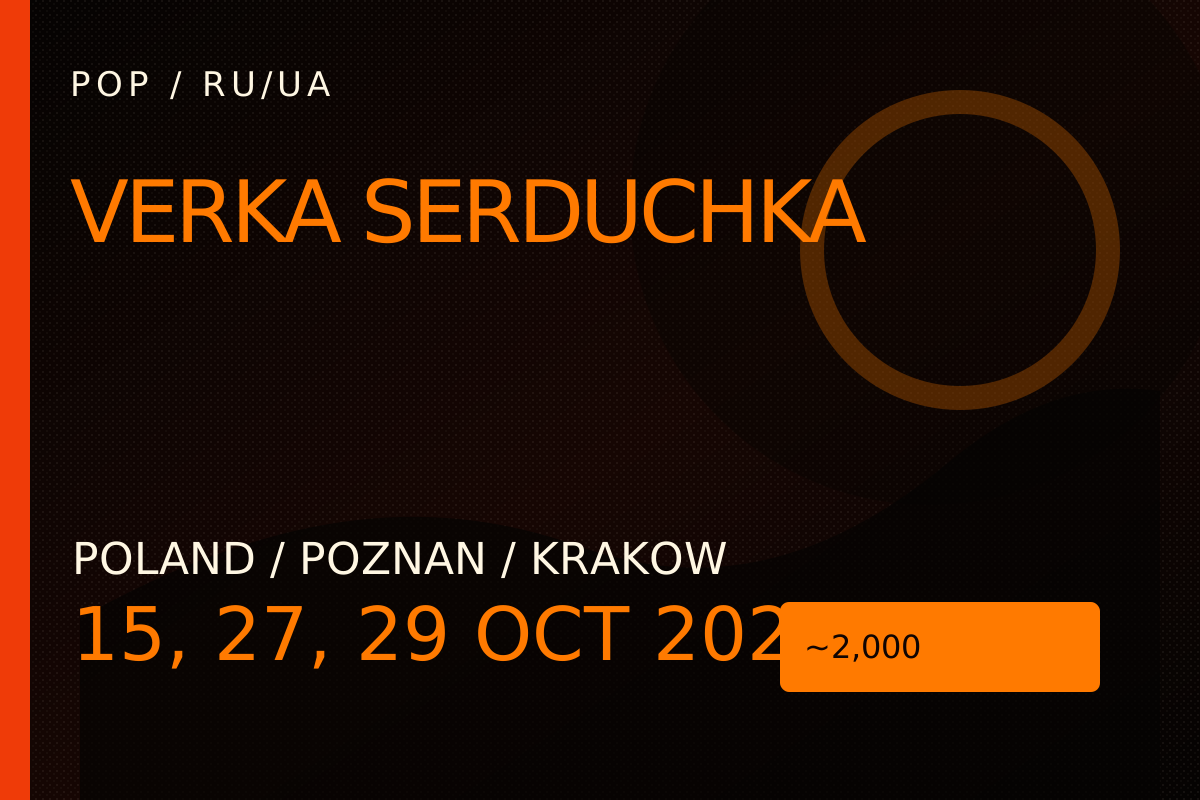
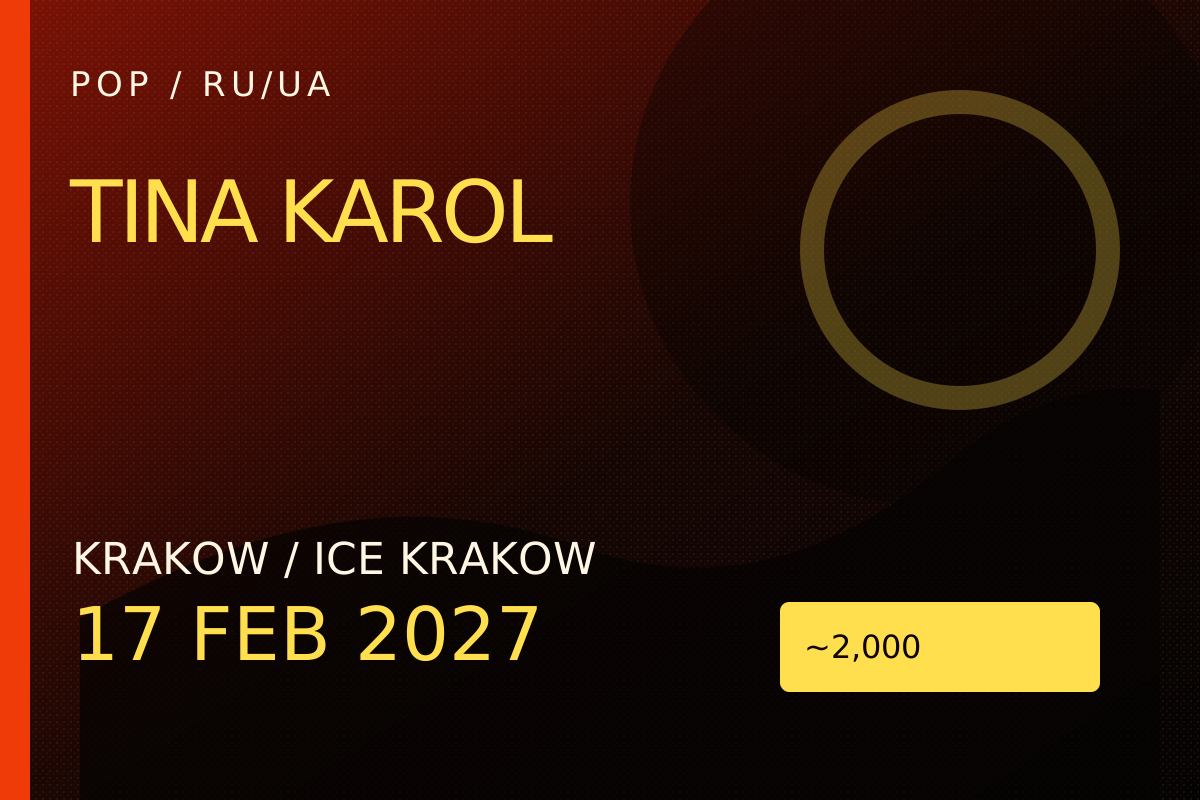
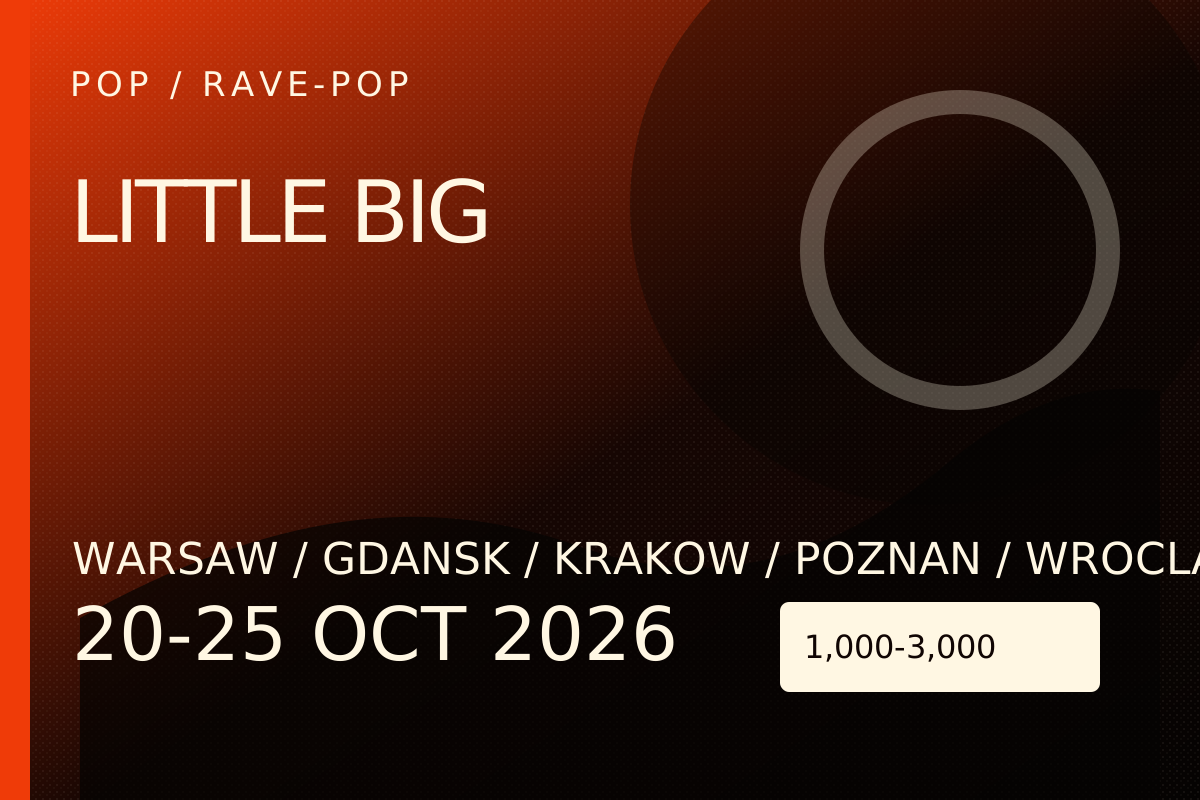
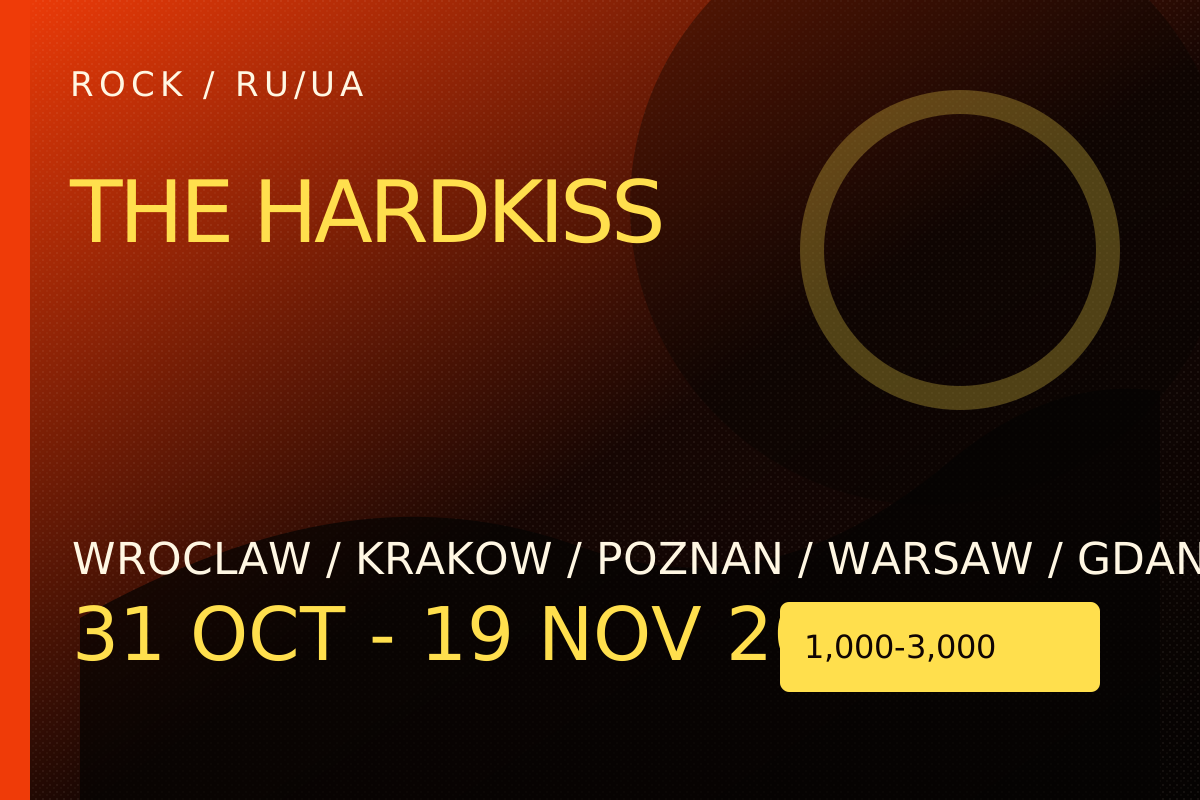
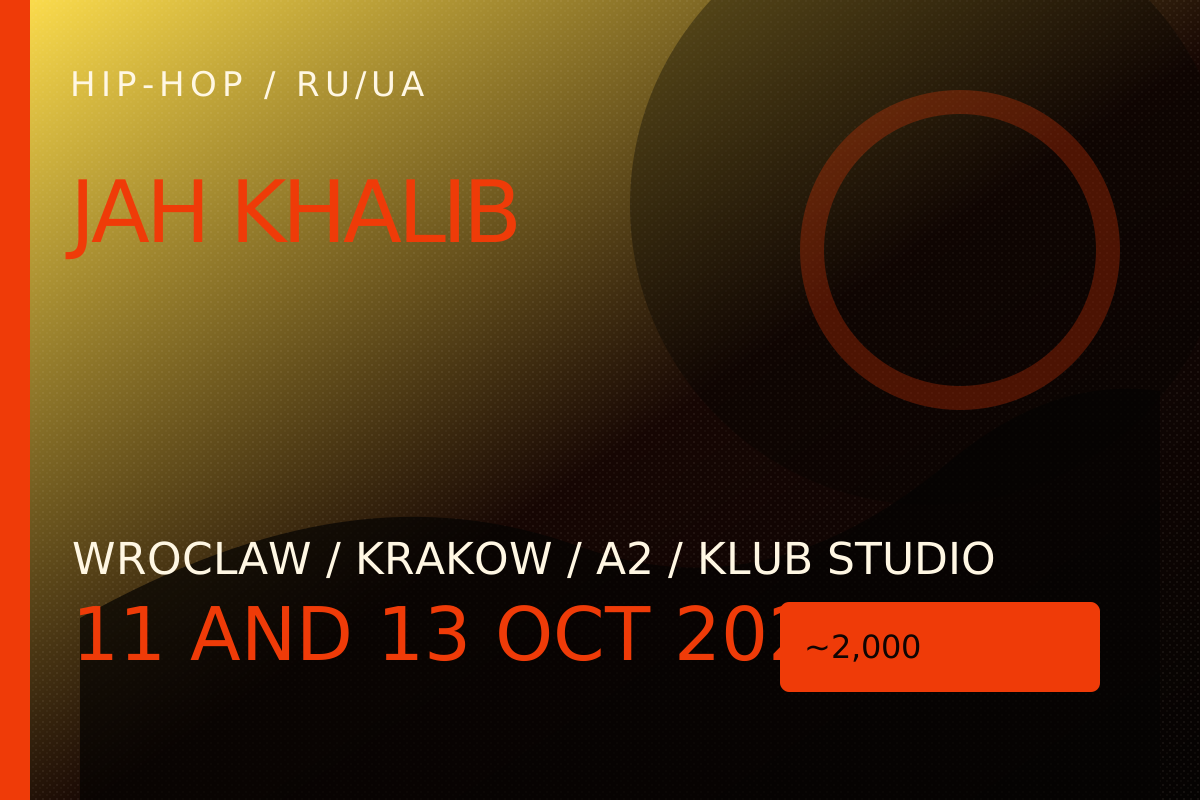
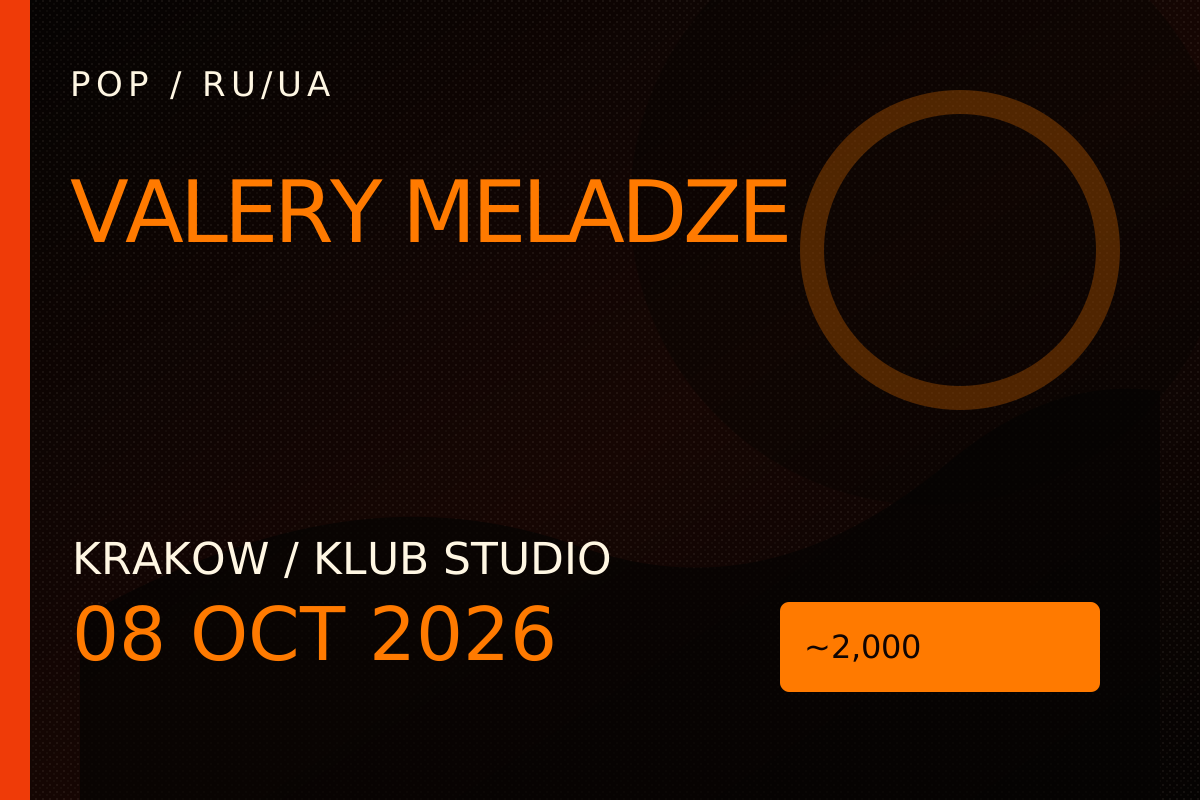
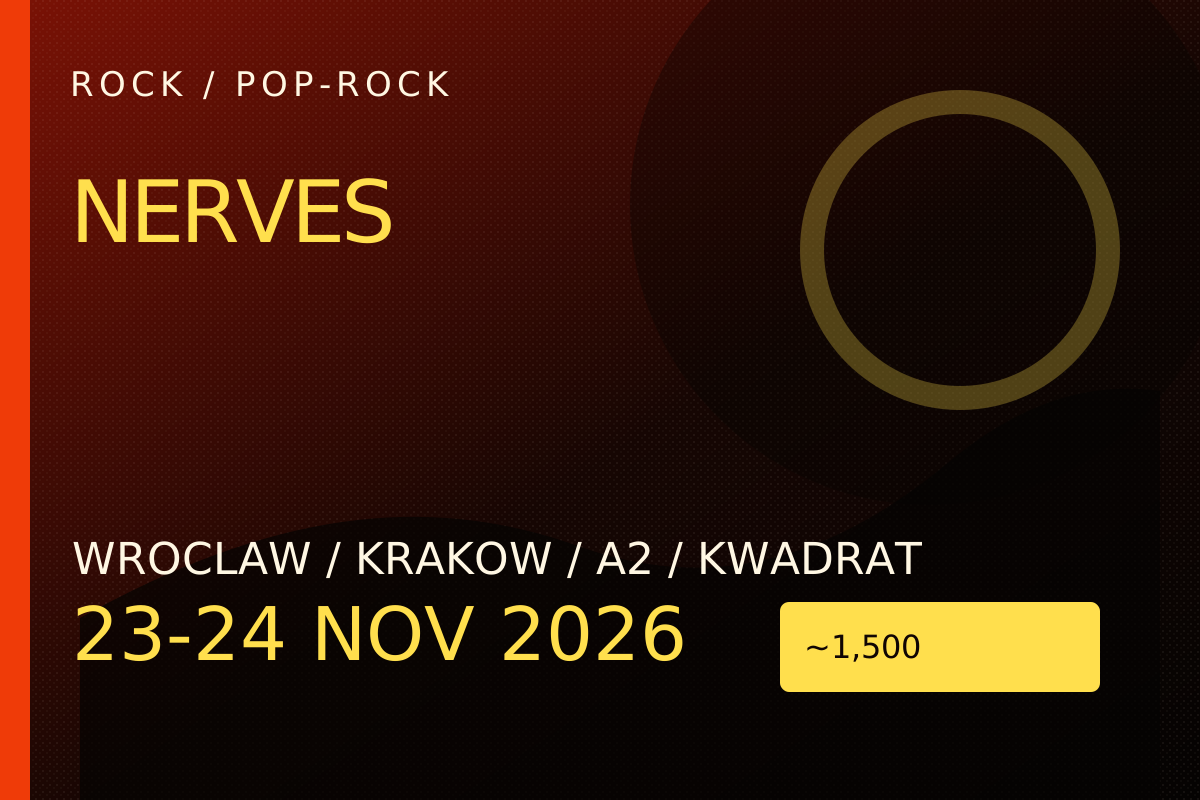
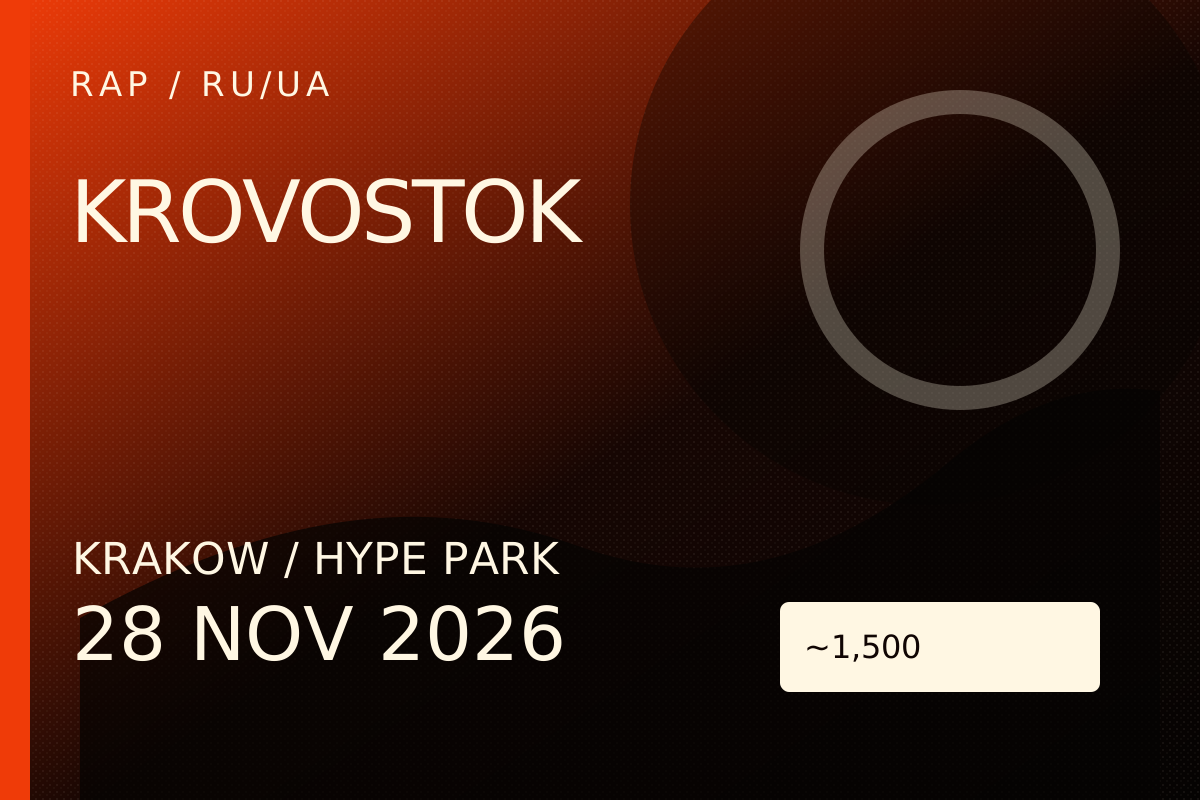
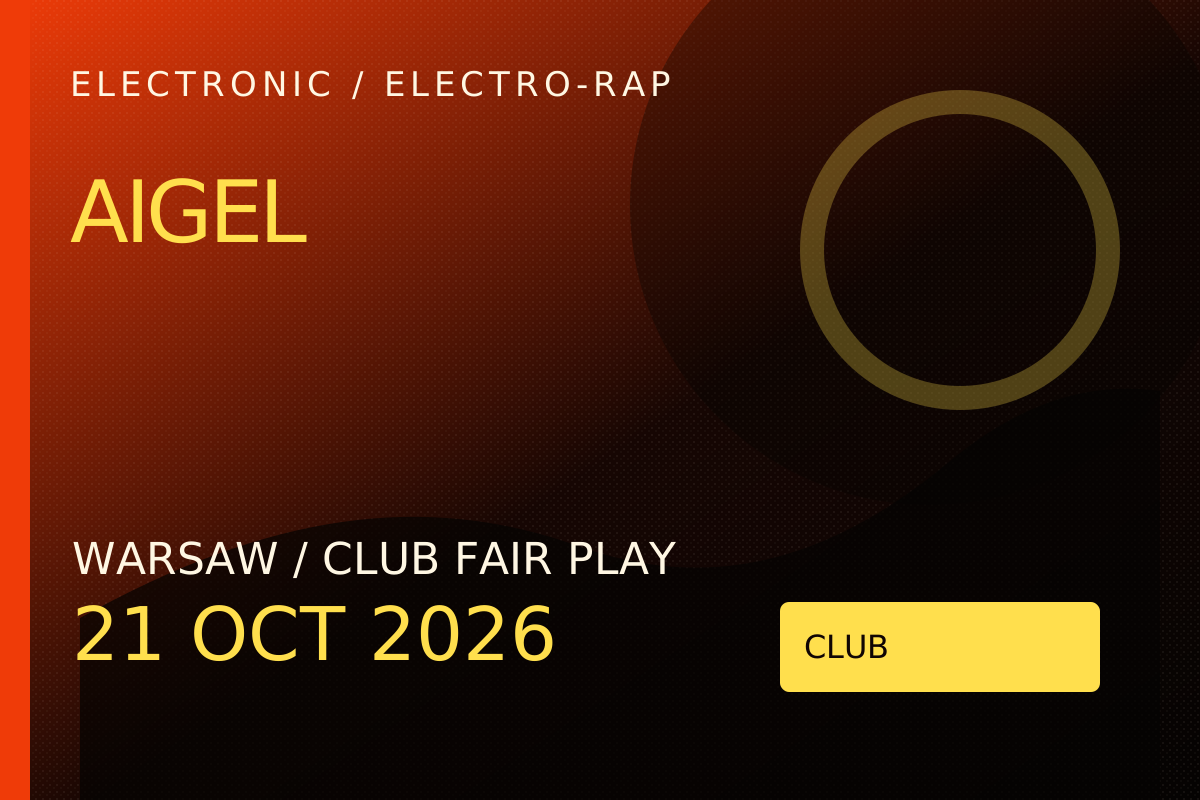
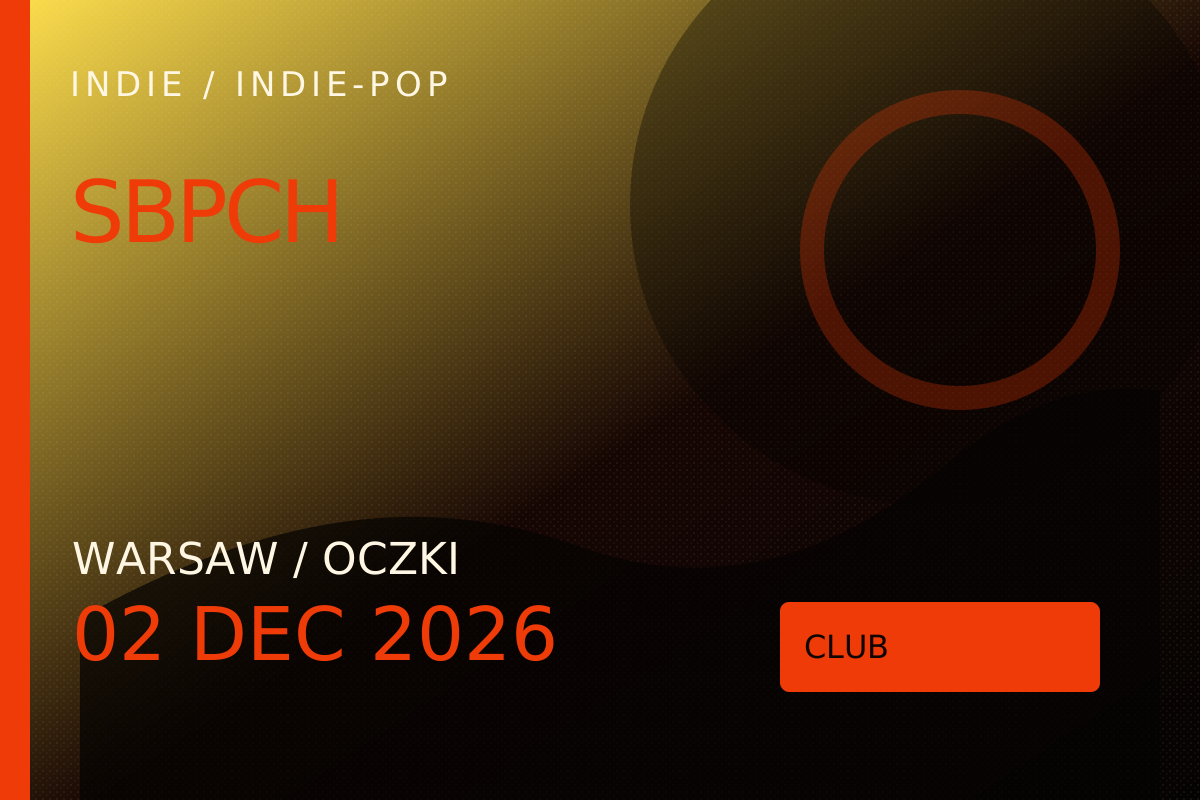
TicketBox is built for concerts, venues and promoters who need every event to feel like a headline launch: bold visuals, clear dates, verified cards and a buyer journey that moves fast from discovery to checkout.
Browse what's onGet the weekly shortlist before the room sells out.
From choosing your event to scanning your ticket at the door.
Check the venue, date and event details, then select Get tickets.
Choose your seats and date. Review the quantity and total. Grey seats marked Unavailable online cannot be purchased online. Your order holds selected seats for 30 minutes after you continue.
Use your full name, a valid email address and phone number with country code. Check your email carefully: your tickets will be sent there.
Continue to the payment page and follow the instructions for your available payment method. For a bank transfer, use the exact amount and order reference. Keep your payment receipt.
A submitted payment notice is not payment confirmation. Bank transfers are checked by our team. Save your order link to view its status. If the hold expires, contact support before paying.
After payment is confirmed, we email your PDF tickets with a unique QR code for each ticket. Check your spam folder too. If delivery is missing, contact support with your order reference.
Bring your PDF on your phone or print it. Keep the QR code private: each ticket can be checked in once. Verify the venue's entry requirements before attending.